
Beskrivelse
Send customer emails to a Mailchimp list at the completion of a Cart66 transaction. Customer will receive a confirmation email from Mailchimp to opt-in.
Skjermbilder
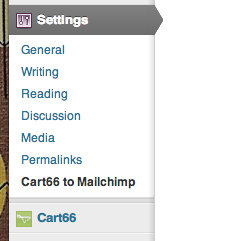

Installasjon
To Install Cart66 to Mailchimp
- Download the cart66-to-mailchimp.zip file
- Extract the zip file so that you have a folder called ‘cart66-to-mailchimp’
- Upload the ‘cart66-to-mailchimp’ folder to the
/wp-content/plugins/directory - Activate the plugin through the ‘Plugins’ menu in WordPress
- Configure your settings in the Settings panel
To Uninstall Cart66 to Mailchimp
- Deactivate Cart66 to Mailchimp thorugh the ‘Plugins’ menu in WordPress
- Click the «delete» link to delete the Cart66 to Mailchimp plugin. This will remove all of the Cart66 to Mailchimp files from your plugins directory and will delete the data used by Cart66 to Mailchimp.
Vurderinger
Det er ingen omtaler av denne utvidelsen.
Bidragsytere og utviklere
«Cart66 to Mailchimp» er programvare med åpen kildekode. Følgende personer har bidratt til denne utvidelsen:
Bidragsytere
Oversett «Cart66 to Mailchimp» til ditt språk.
Interessert i utvikling?
Bla gjennom koden, sjekk ut SVN-repositoriet, eller abonner på utviklingsloggen med RSS.