

Beskrivelse
PCIO VIS Member Event turns your WordPress site into a complete back office for a voluntary organization or association.
It provides a members register, an event calendar with public sign-ups, e-mail and newsletter tools, a document library and a simple finance journal — all built on native WordPress capabilities so access control works with the roles you already use.
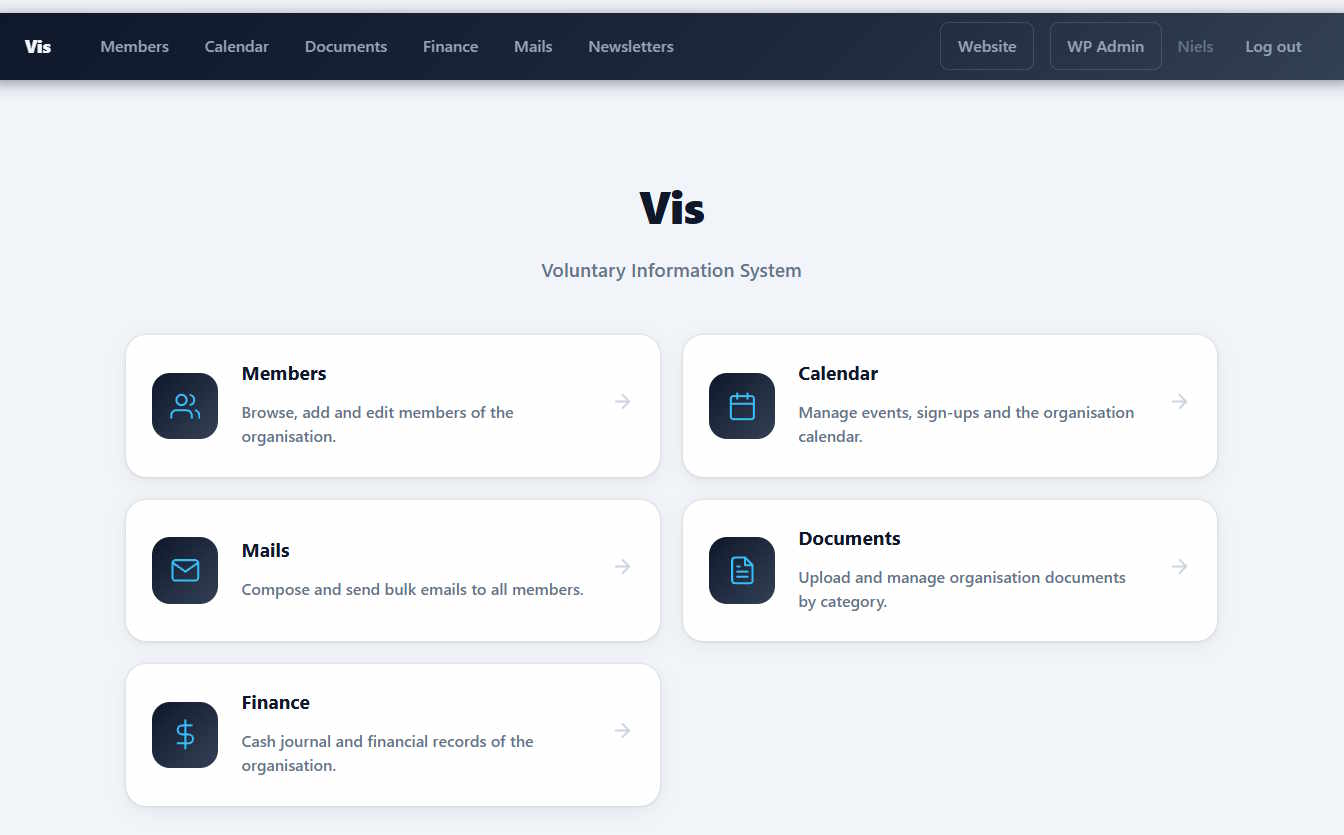
Public pages are served automatically under /vis/; no WordPress pages or shortcodes are required to get started:
- Home (
/vis/) — landing page for members. - Members (
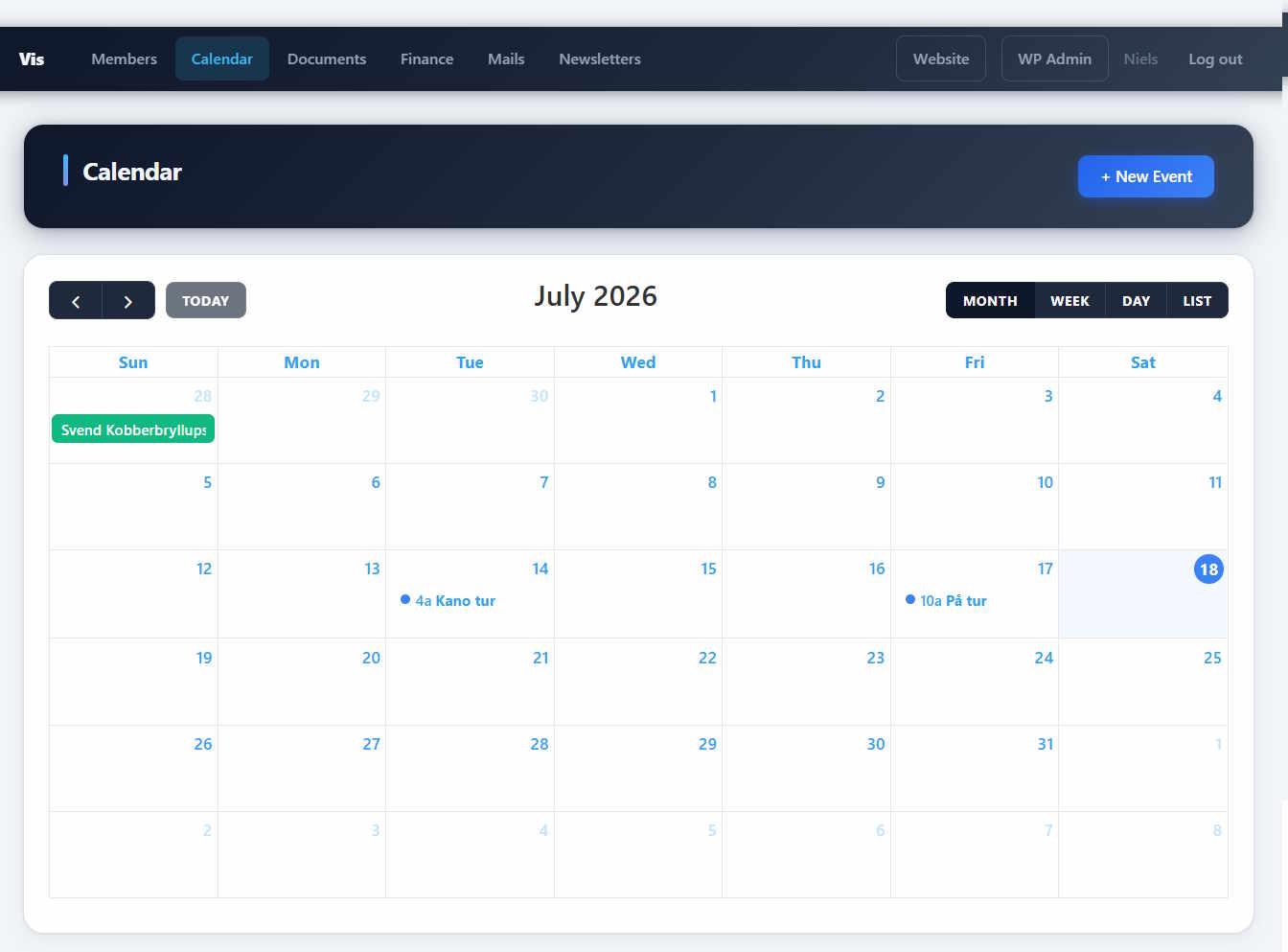
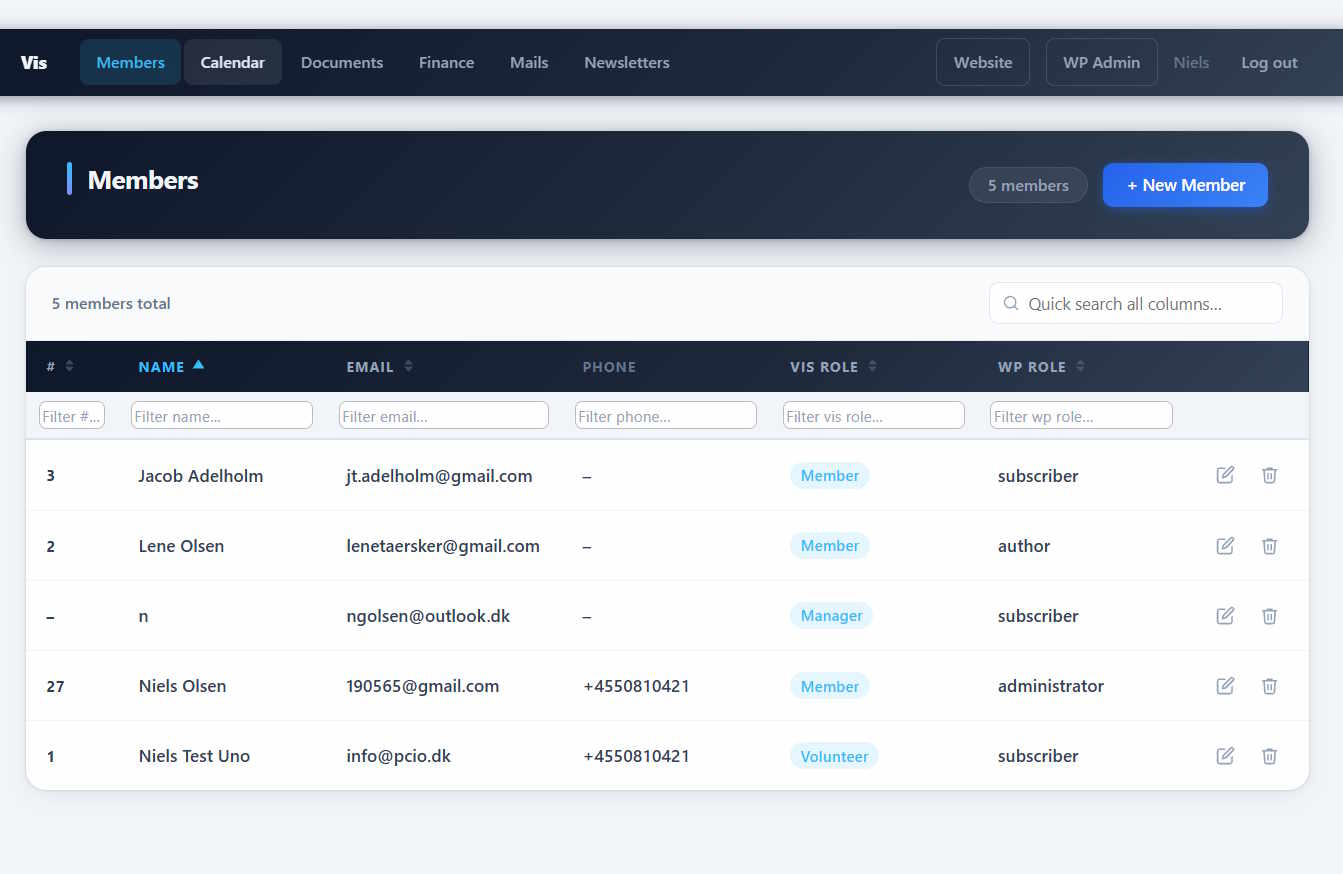
/vis/members) — searchable members directory. - Calendar (
/vis/calendar) — upcoming events with sign-up. - Event (
/vis/events/{id}) — event detail page with banner, description and sign-up box. - Mails (
/vis/mails) — member mailings. - Newsletters (
/vis/newsletters) — public newsletter archive. - Documents (
/vis/documents) — document library grouped by type. - Finance (
/vis/finance) — finance overview for authorized users. - Statistics (
/vis/statistics) — member growth chart, page-view and login counters, and sponsor link click tracking.
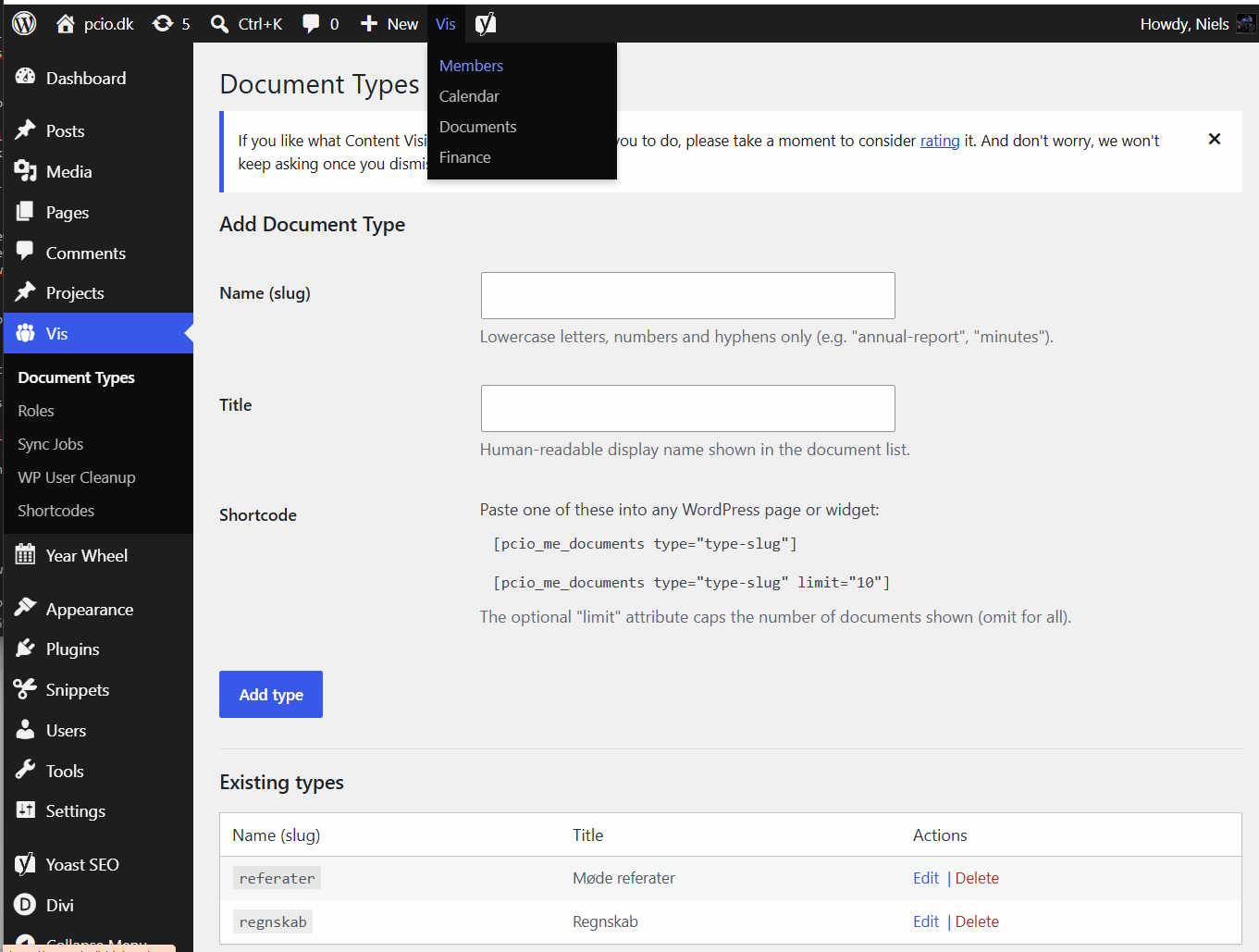
Roles and capabilities. The plugin defines a cumulative set of logical roles — Member, Volunteer, Event Manager, Publisher and System Admin — that map to standard WordPress capabilities. Assign them per WordPress role from Vis Roles:
- Register for events
- Create own events
- Edit own events
- Edit all events
- Publish / manage documents
- Manage members
- Manage settings & mails
- Manage finance
Shortcodes. For themes that prefer to embed content in ordinary pages, the plugin also ships shortcodes: [pcio_me_members], [pcio_me_documents], [pcio_me_edit_profile], [pcio_me_event], [pcio_me_events], [pcio_me_event_roller], [pcio_me_newsletters] and [pcio_me_member_count]. The [pcio_me_edit_profile] shortcode lets a logged-in member edit their own contact details from any ordinary WordPress page. The [pcio_me_member_count] shortcode displays an animated total member count and can be used in any page builder (e.g. a Divi Text Module); each render increments the front-page-view counter visible on the Statistics dashboard.
Extensions. PCIO VIS Member Event is the core plugin for a family of optional add-ons (gallery, products, tickets, project management, home-owner association tools and Conventus sync). The bundled Dompdf and php-qrcode libraries are shared with those extensions for PDF and QR generation.
Skjermbilder
Installasjon
- Upload the
pcio-vis-member-eventdirectory to/wp-content/plugins/. - Activate the plugin in Plugins in the WordPress admin.
- Assign capabilities to your WordPress roles under Vis Roles.
- Configure plugin options under the Vis admin menu.
After activation, if /vis/ or an event page returns a 404, go to Settings Permalinks and click Save Changes to flush the rewrite rules.
Ofte stilte spørsmål
-
Where are the public pages?
-
The plugin registers pages automatically under
/vis/— for examplehttps://yoursite.com/vis/membersandhttps://yoursite.com/vis/calendar. Individual events are available athttps://yoursite.com/vis/events/{id}. -
How do I control who can do what?
-
Access is based on native WordPress capabilities. Open Vis Roles and grant the plugin’s capabilities to your existing WordPress roles. The logical roles (Member, Volunteer, Event Manager, Publisher, System Admin) are cumulative — each level includes the capabilities of the level below.
-
A public page returns a 404.
-
Go to Settings Permalinks and click Save Changes to flush the rewrite rules. This registers the
/vis/routes. -
Does this require any third-party services?
-
No. The core plugin runs entirely on your WordPress site. Optional extensions (such as ticket sales) may integrate with external services.
-
How do I uninstall?
-
Deactivate and delete the plugin from the WordPress admin. To also remove the data, open your database admin tool and drop these tables (replace
wp_with your actual table prefix):wp_me_memberswp_me_member_metawp_me_member_roleswp_me_vis_roleswp_me_eventswp_me_event_signupswp_me_mailswp_me_newsletterswp_me_documentswp_me_document_typeswp_me_finance_journalwp_me_statisticswp_me_sponsor_clickswp_me_sync
Vurderinger
Det er ingen omtaler av denne utvidelsen.
Bidragsytere og utviklere
«PCIO VIS Member Event» er programvare med åpen kildekode. Følgende personer har bidratt til denne utvidelsen:
Bidragsytere
Oversett «PCIO VIS Member Event» til ditt språk.
Interessert i utvikling?
Bla gjennom koden, sjekk ut SVN-repositoriet, eller abonner på utviklingsloggen med RSS.
Endringslogg
1.2.0
- Added: Event Types — color-coded categories for calendar events with configurable access level (Public, Members only, Volunteers only). Managed from the Calendar Event Types tab.
- Added: Resources — bookable resources (rooms, equipment, etc.) that can be assigned to events. Conflict detection warns when a resource is already booked for an overlapping event. Managed from the Calendar Resources tab.
- Added: Default resources per event type — define which resources are pre-selected when a new event of that type is created; defaults are applied automatically on event creation.
- Added: Workgroups — new page at
/vis/workgroups/for organizing volunteers into named working groups. Each workgroup can have one or more members flagged as chairman. - Added: Volunteer role — members can be designated as volunteers (
vis_volunteercapability), enabling volunteer-only event access and workgroup membership. - Fixed: «Publish & share» heading was double-escaped and displayed as raw HTML entity in the event editor.
1.1.0
- Added: Statistics dashboard at
/vis/statistics/— grouped bar chart of members joining and leaving by year, front-page-view counter, login counter, and a sponsor link click table. - Added:
join_dateandleave_datedate fields on member records, editable from the member edit dialog and charted on the Statistics dashboard. - Added:
[pcio_me_member_count]shortcode — animated count-up number showing the current total membership. Each page render increments the front-page-view counter. Paste it into any page builder text or code module (e.g. Divi Text Module). - Added: Sponsor link click tracking — add
class="pcio-sponsor-link"to any anchor tag in your content. Click events are captured in the browser and stored; totals appear on the Statistics dashboard. - Fixed: end date/time entered in the calendar create-event dialog was not saved to the event.
- Fixed: clicking a single all-day cell now correctly pre-fills the end date with the same date as the start date.
- Fixed: end-time field was not hidden when the «All day» checkbox was ticked.
- Fixed: member list was not refreshed in the browser after a member was successfully deleted.
- Fixed: document list shortcode displayed a bullet point before each document link.
- Changed: WP Role column removed from the member list; the WordPress account status is now shown only as a «Create WordPress login» button in the edit dialog when no account exists yet.
- Changed: the edit-member icon in the member list is now shown only to users with the
vis_manage_userscapability; plain members use the new profile shortcode instead. - Added:
[pcio_me_edit_profile]shortcode — lets a logged-in member edit their own name, email, phone, address and custom fields from any WordPress page.
1.0.0
- Initial release.
- Members register with custom member fields and roles.
- Event calendar with public sign-ups and per-event banner/thumbnail images.
- Member mailings and public newsletter archive.
- Document library grouped by type, backed by the WordPress media library.
- Finance journal.
- Capability-based access control with cumulative logical roles (Vis Roles).
- Automatic public pages under
/vis/plus shortcodes for embedding in themes.