Hopp til innhold
WordPress.org

Norsk (Bokmål)

  • Tema
  • Utvidelser
  • Nyheter
  • Om
  • Mønstre
  • Delta
  • Meetups
  • Slack
  • Kontakt
  • Få WordPress
Få WordPress
WordPress.org

Plugin Directory

Advanced Google reCAPTCHA

  • Send inn en utvidelse
  • Mine favoritter
  • Logg inn
  • Send inn en utvidelse
  • Mine favoritter
  • Logg inn

Advanced Google reCAPTCHA

Av WebFactory
Last ned
  • Detaljer
  • Omtaler
  • Installering
  • Utvikling
Brukerstøtte

Beskrivelse

Advanced Google reCAPTCHA protects your WordPress site from spam comments & brute force login attacks using captcha. This captcha plugin, quickly adds Google reCAPTCHA and other captcha tests to WordPress comment form, login form, and other forms.

Using Advanced Google reCAPTCHA (most popular captcha on the market), you’ll be safe from spam comments and protect user accounts, WooCommerce, Easy Digital Downloads, BuddyPress and other forms from brute-force login attacks.

reCaptcha works for:

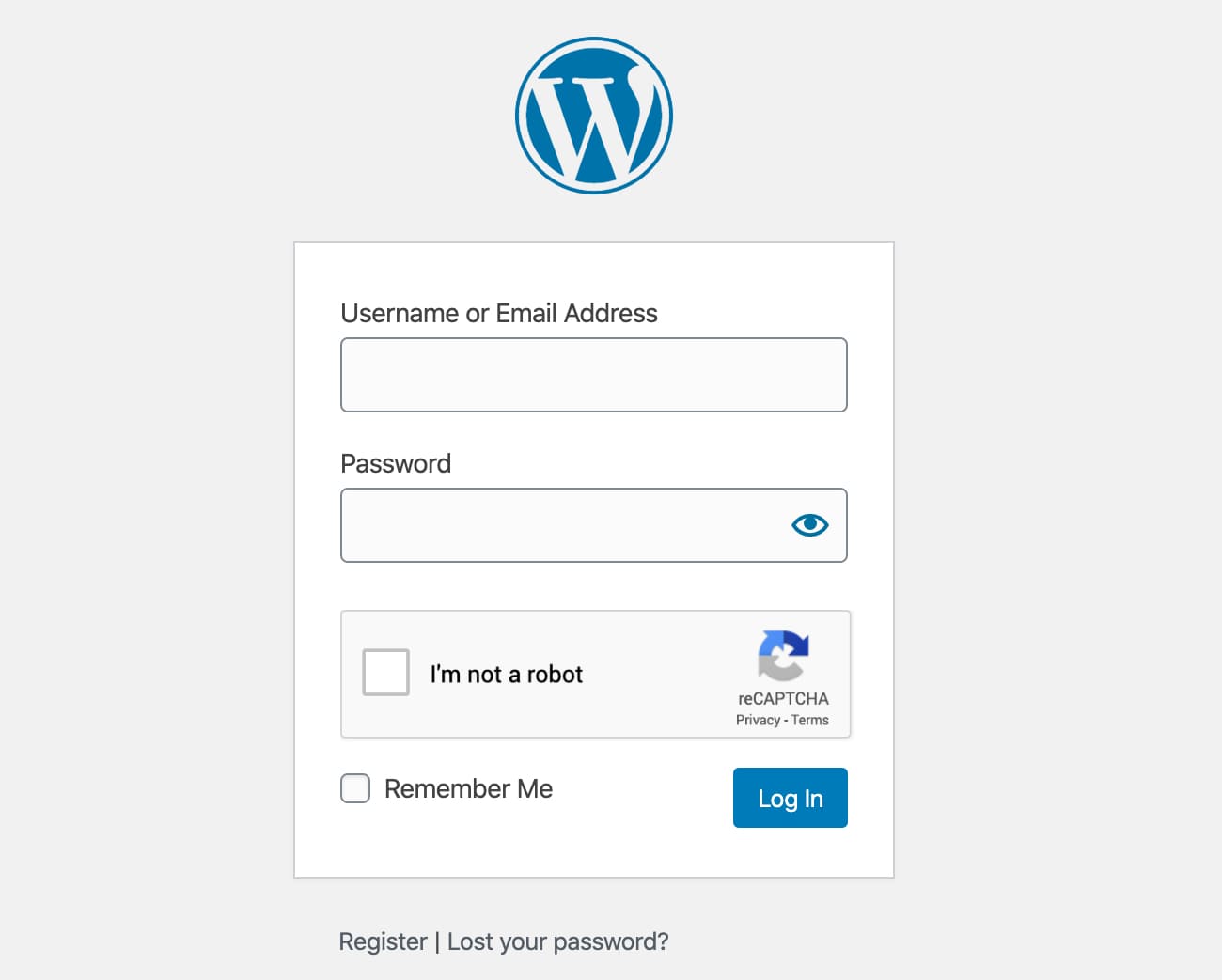
  • Login Form
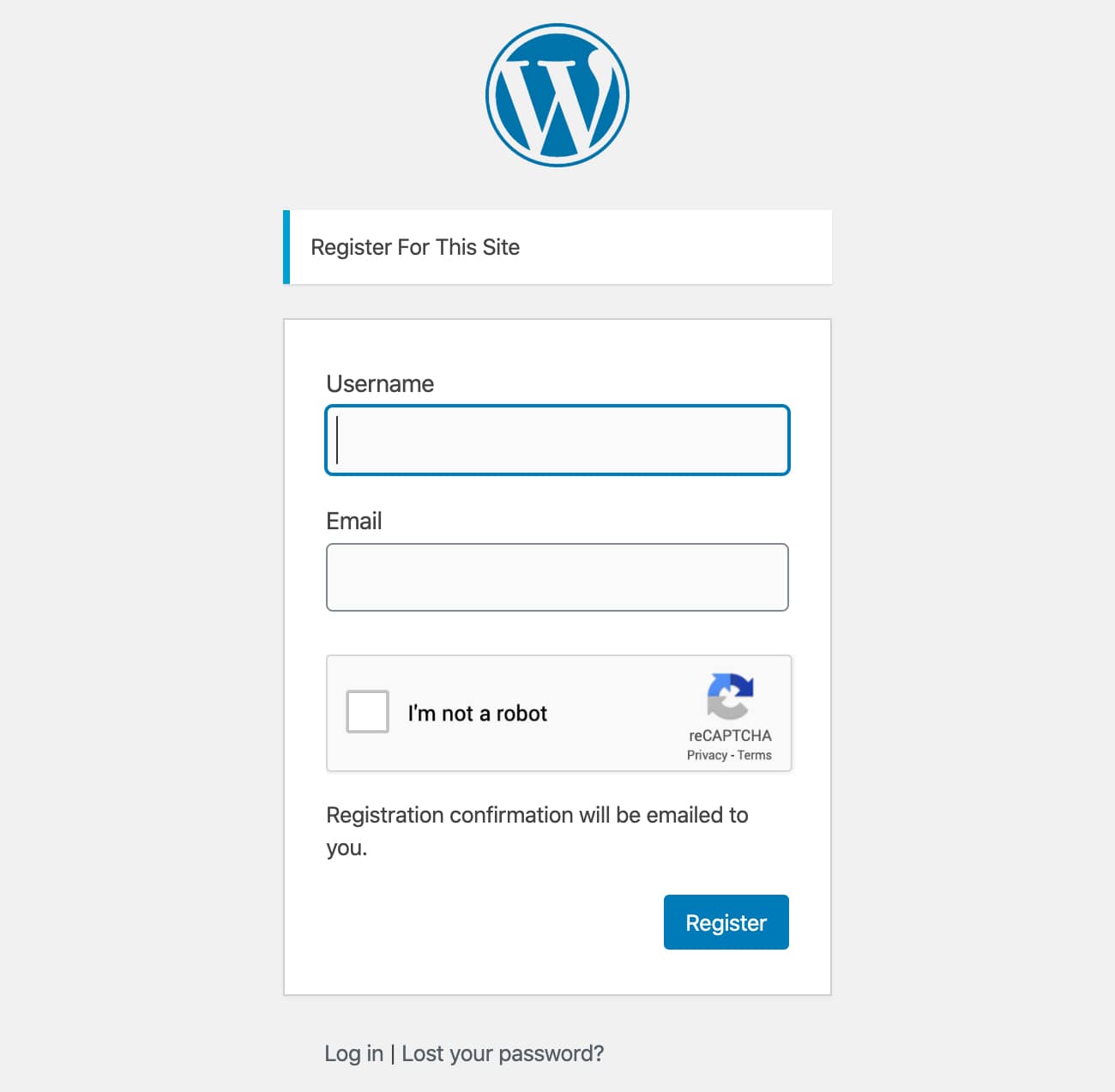
  • Registration Form
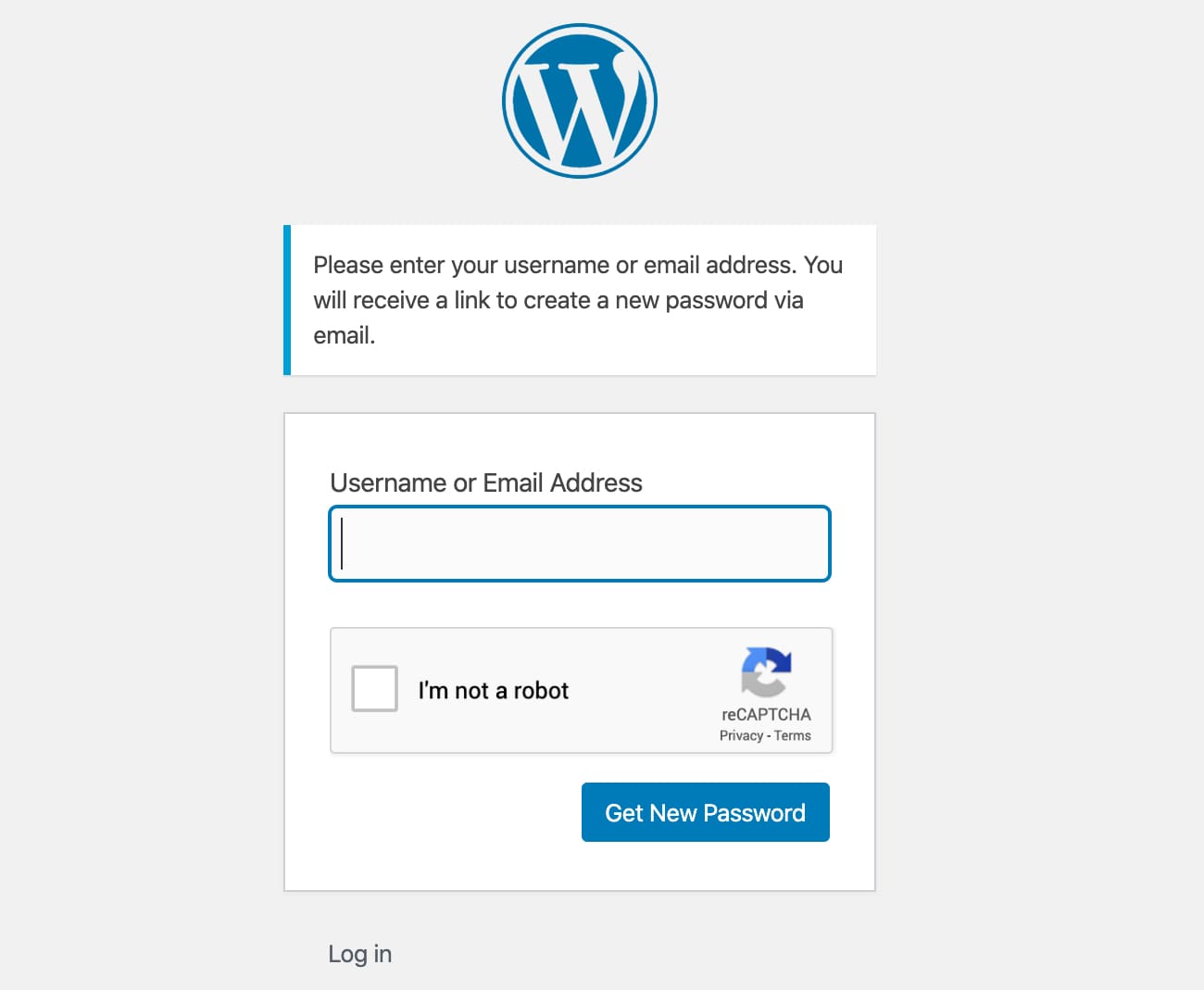
  • Reset Password Form
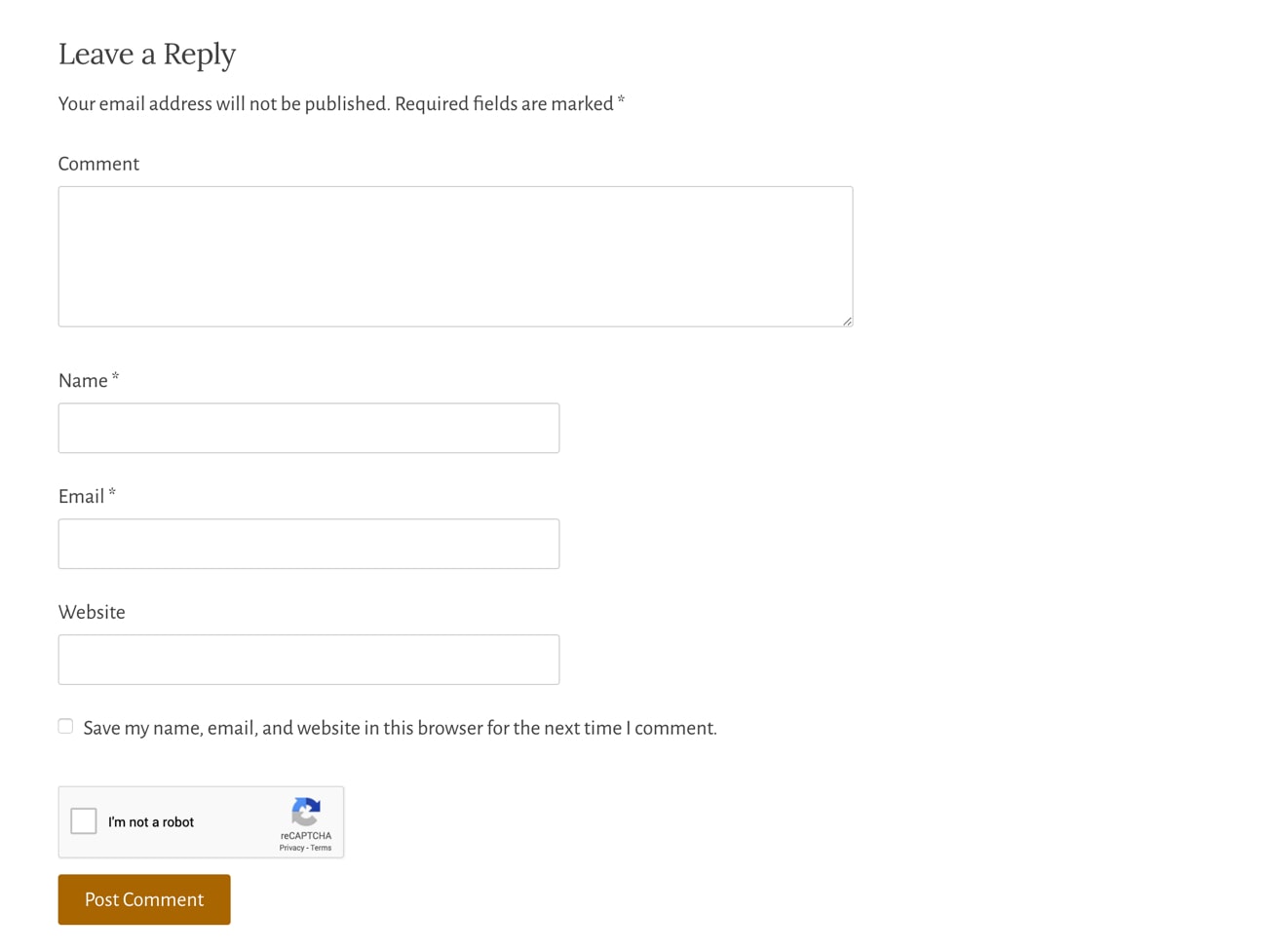
  • Comment Form
  • BuddyPress Form
  • WooCommerce Form
  • Easy Digital Downloads (EDD) Login Form
  • Easy Digital Downloads (EDD) Registration Form

Captcha uses these 3rd party libs:

  • Chart.js, 2017 Nick Downie, MIT
  • DataTables, 2008-2017 SpryMedia Ltd, MIT
  • moment.js, Tim Wood, Iskren Chernev, MIT
  • SweetAlert 2, github.com/Sweetalert2/Sweetalert2, MIT
  • tooltipster, www.heteroclito.fr/modules/tooltipster/, MIT

Skjermbilder

  • Login form
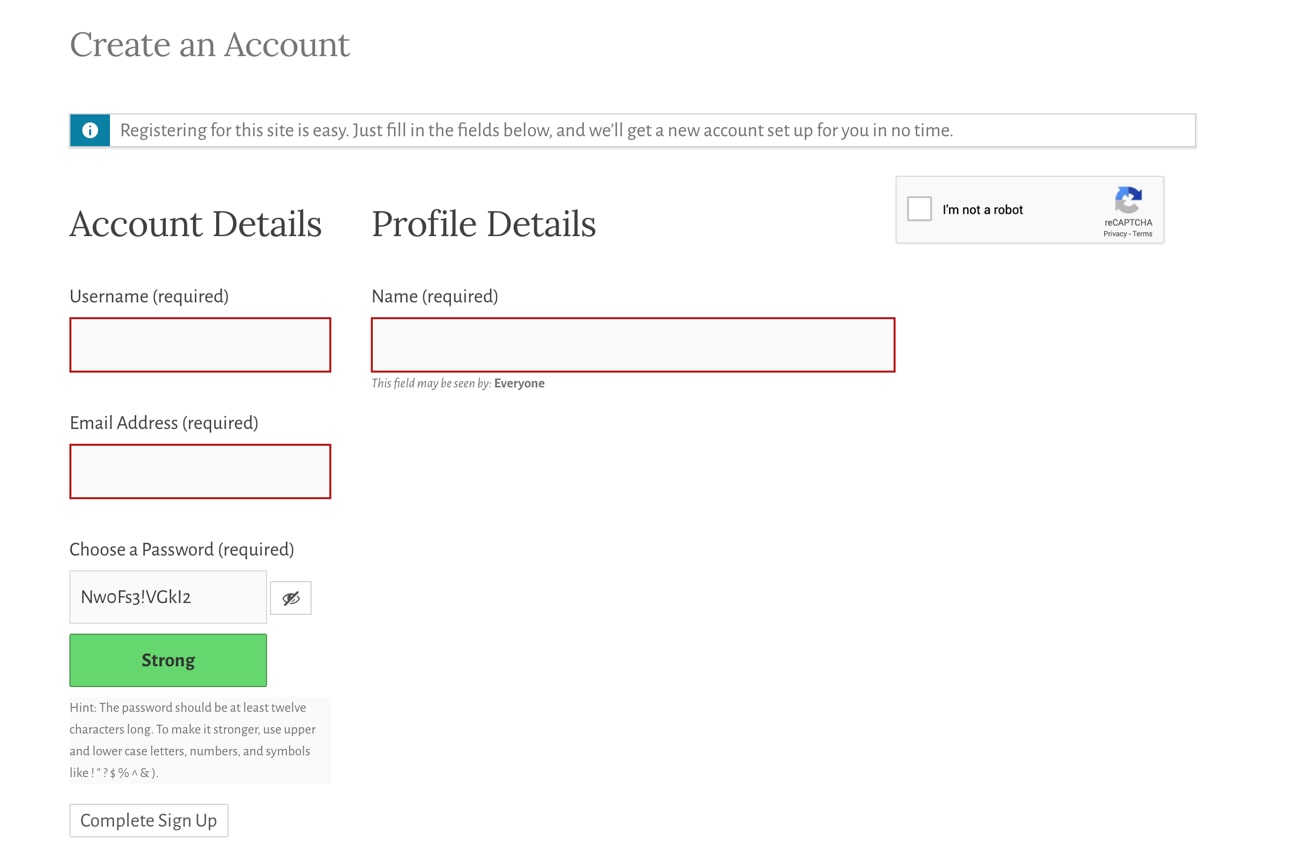
  • Registration form
  • Reset Password form
  • Comment form
  • BuddyPress form
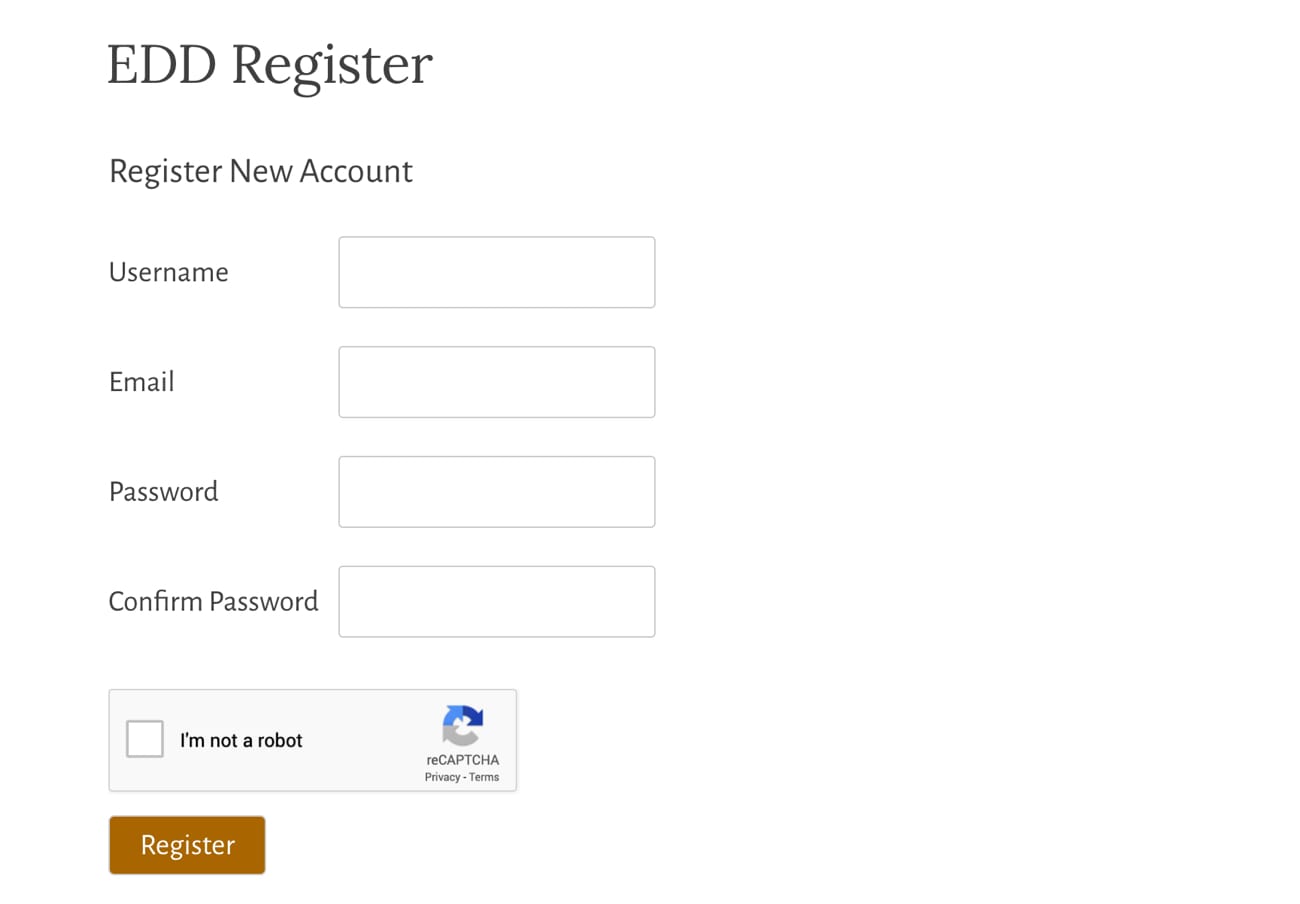
  • EDD Registration form
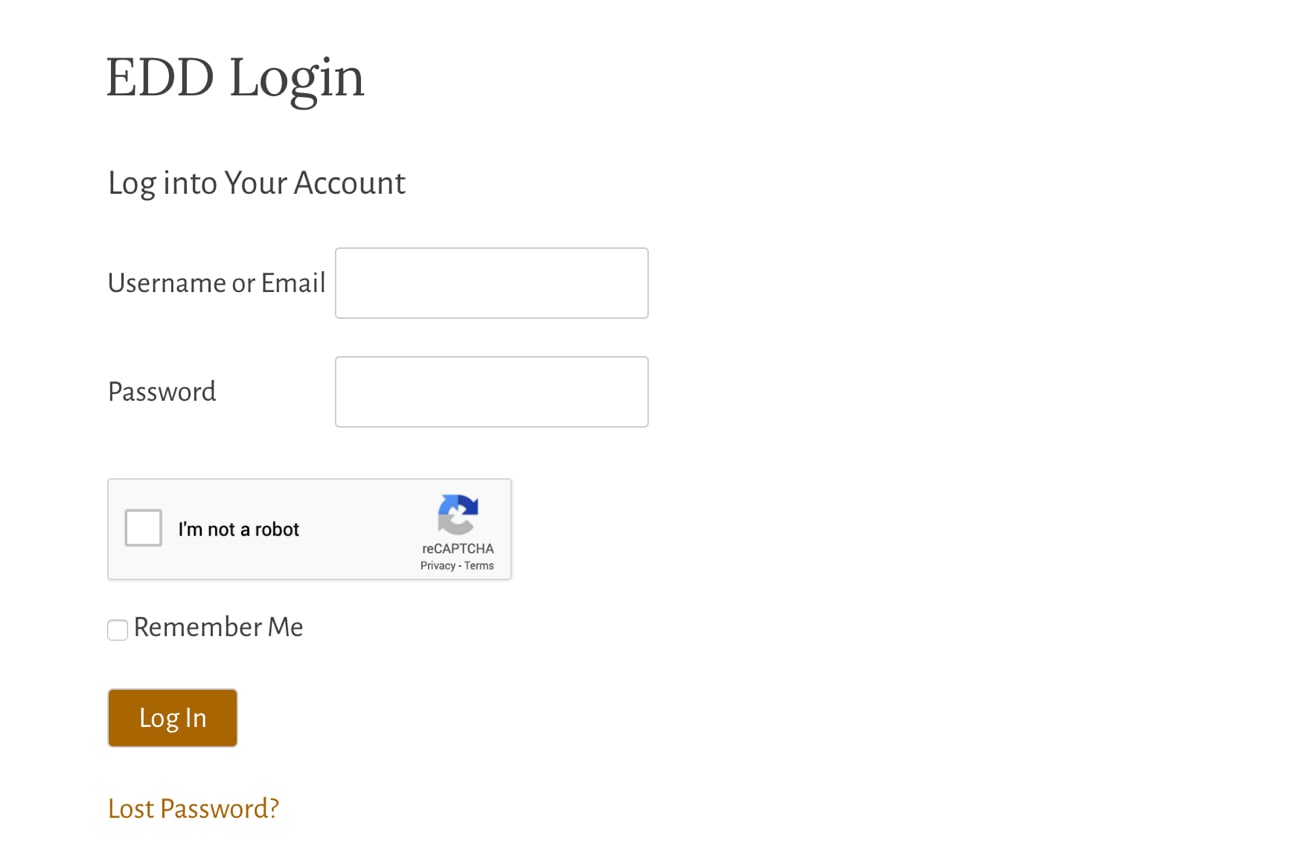
  • EDD Login form
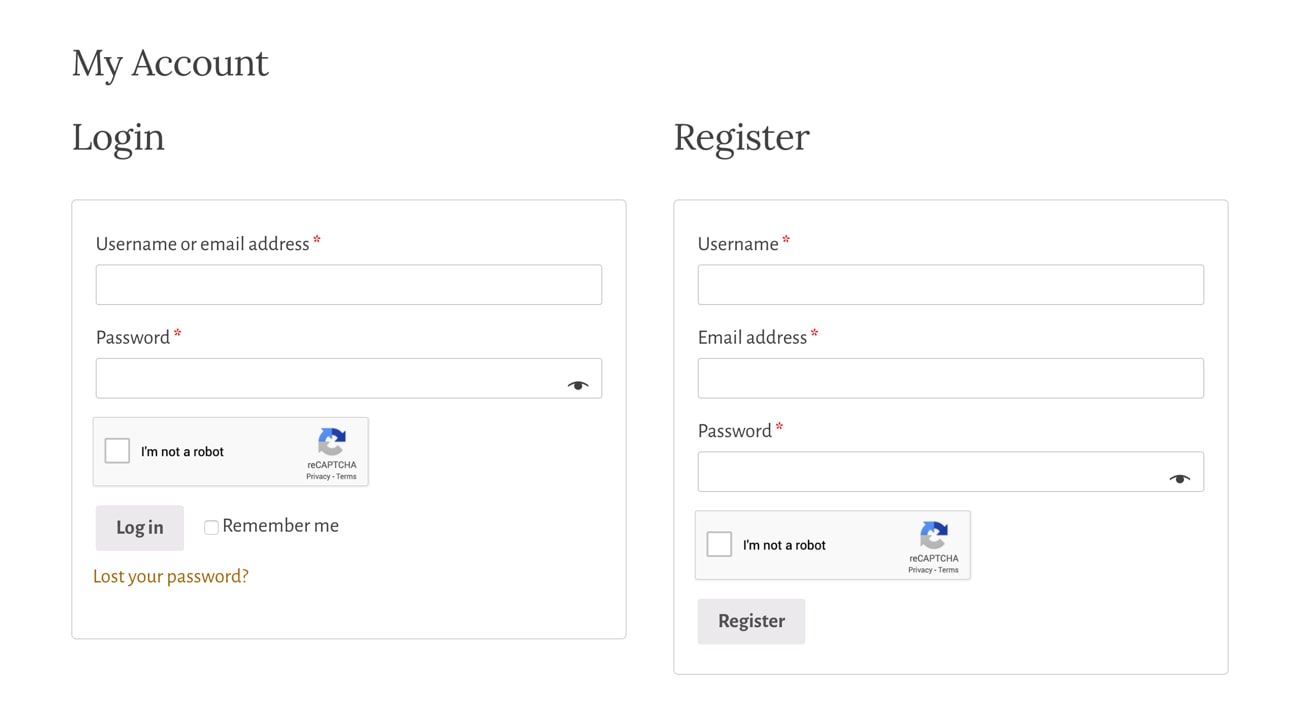
  • WooCommerce Login and Registration form
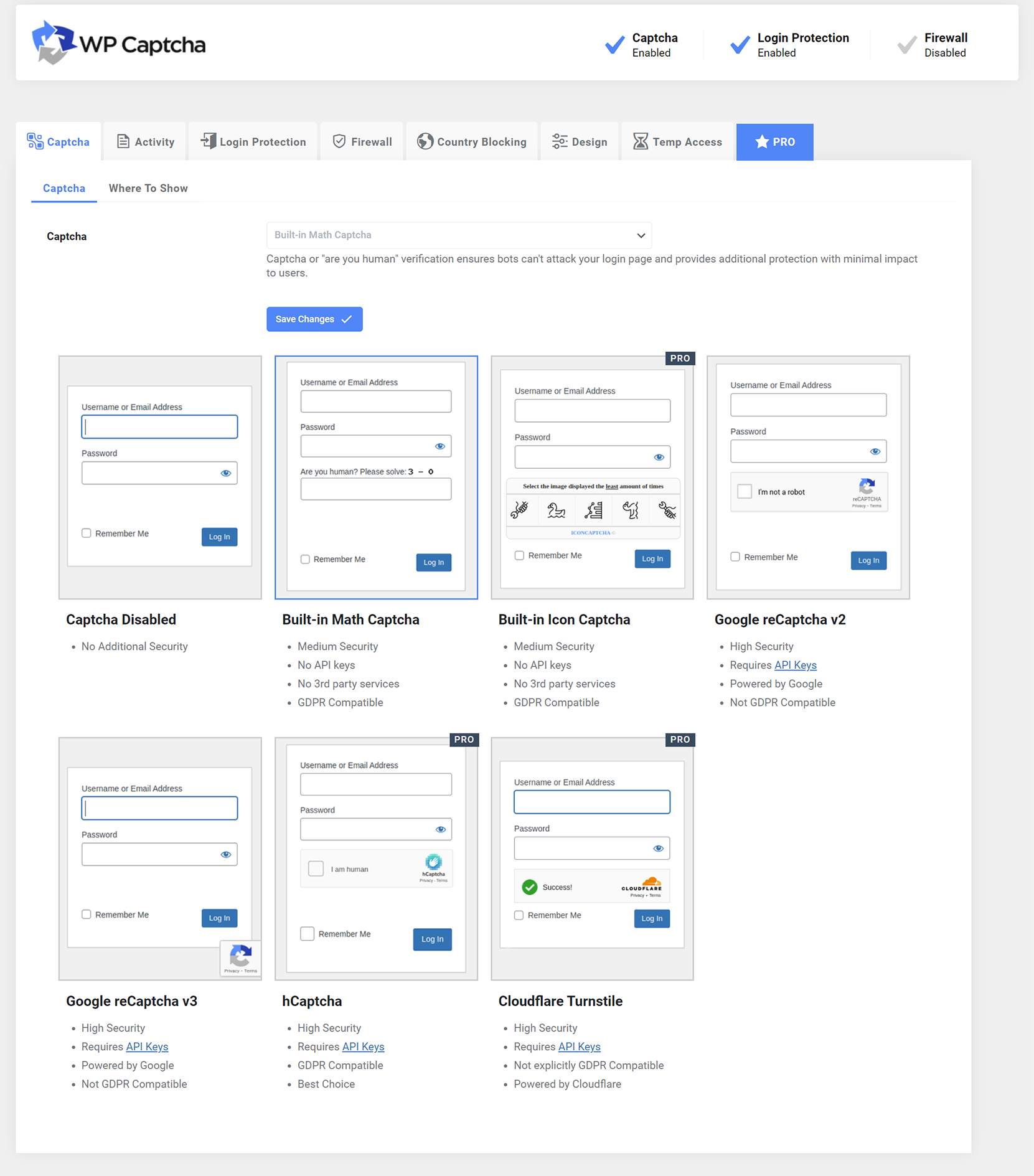
  • Plugin settings

Installasjon

  1. Upload Advanced Google reCAPTCHA files to the «/wp-content/plugins/advanced-google-recaptcha» directory, or install Advanced Google reCAPTCHA through the WordPress Plugins page directly.
  2. Activate Advanced Google reCAPTCHA through the WordPress Plugins page.
  3. Use the menu Advanced Google reCAPTCHA to configure it.

Ofte stilte spørsmål

How to disable this plugin?

Just use standard Plugin overview page in WordPress admin section and deactivate it or rename plugin folder /wp-content/plugins/advanced-google-recaptcha over FTP access.

Does Captcha work for comment form?

Yes, it works for WordPress comment form.

Will it slow my site down?

No, it won’t. It’s only loaded on the pages it protects.

How can I report security bugs?

You can report security bugs through the Patchstack Vulnerability Disclosure Program. The Patchstack team help validate, triage and handle any security vulnerabilities. Report a security vulnerability.

Vurderinger

Why moment.js in 2026?

kc22033 3. mars, 2026 2 svar
This may be a great plugin, but the fact that it’s still using moment.js is a HUGE red flag! To me, this says that the plugin isn’t being **seriously** maintained. The below information is directly from the builders/maintainers of Moment.js: We now generally consider Moment to be a legacy project in maintenance mode. It is not dead, but it is indeed done. In practice, this means: We will not be adding new features or capabilities. We will not be changing Moment’s API to be immutable. We will not be addressing tree shaking or bundle size issues. We will not be making any major changes (no version 3). We may choose to not fix bugs or behavioral quirks, especially if they are long-standing known issues.

Works great and support is very helpful

dscreative 25. februar, 2026 1 svar
Simple to set up and works great. When I thought I had an issue, support were very quick to respond and very helpful.

Great Plugin

erismanos 30. november, 2025
Everything is fine, just the first login was in loop because the system send a key as password which can find on url that receive to change the password!! Strange! If you try to enter your password, then you will be in a constant loop that the login is invalid!Nice to have in the future: the option to add a signature or extra details in the footer of the login page.

Wouldn’t work

wplogin12 16. september, 2025
Would not work at all

No support for translations

infofabio 3. september, 2025
The sentence «Are you a human? Please solve:» only in english is not functional to sites in other languages.

Didn’t work

supakwai 31. august, 2025
The plugin won’t verify my Captcha keys.Error: An undocumented error has occurred. Please refresh the page and try again.
Les alle 427 vurderinger

Bidragsytere og utviklere

«Advanced Google reCAPTCHA» er programvare med åpen kildekode. Følgende personer har bidratt til denne utvidelsen:

Bidragsytere
  • WebFactory

“Advanced Google reCAPTCHA” har blitt oversatt til 19 språk. Takk til oversetterne for deres bidrag.

Oversett “Advanced Google reCAPTCHA” til ditt språk.

Interessert i utvikling?

Bla gjennom koden, sjekk ut SVN-repositoriet, eller abonner på utviklingsloggen med RSS.

Endringslogg

1.31 – 30/07/2025

  • minor code fixes

1.30 – 26/03/2025

  • security fixes

1.29 – 28/02/2025

  • Easy Digital Downloads (EDD) registration fix
  • math captcha bug fix

1.28 – 21/02/2025

  • improved math captcha security
  • math captcha now printed inline to avoid direct php file request getting blocked by some firewalls
  • 200k active installs

1.27 – 23/01/2025

  • fixed password reset form error message

1.26 – 16/12/2024

  • increased randomness of recovery URL

1.25 – 22/10/2024

  • reCAPTCHA v3 minimum score is now 0.5

1.24 – 17/10/2024

  • Jetpack compatibility fix
  • comment form captcha bug fix

1.23 – 02/10/2024

  • security fixes
  • added wp_login_form() support

1.22 – 30/06/2024

  • minor security fix

= 1.21 – 13/04/2024
* reCAPTCHA validation request error handling fix

= 1.20 – 13/03/2024
* double slash on images bug fix

= 1.19 – 04/02/2024
* fixed reCAPTCHA bug sometimes preventing checkout form re-submission after form errors are corrected in Woo

= 1.18 – 24/01/2024
* minor bug fix for Buddypress

1.17 – 09/12/2023

  • security/fatal error fix

1.16 – 05/12/2023

  • Woo registration fix

1.15 – 30/11/2023

  • Woo compatibility fixes

1.14 – 19/11/2023

  • Theme My Login and Woo compatibility fixes

1.13 – 16/11/2023

  • compatibility fixes

1.12 – 02/11/2023

  • small bug fixes for Woo

1.11 – 01/11/2023

  • small bug fixes

1.1 – 31/10/2023

  • new GUI
  • new features
  • introduced the PRO version

1.0.15 – 29 May 2023

  • Update packages

1.0.14 – 20 Feb 2023

  • Fix PHP 8 issue

1.0.13 – 15 Dec 2022

  • Fix admin links

1.0.12 – 2 Nov 2022

  • Add option for Woo checkout

1.0.11 – 17 Oct 2022

  • Fix Woo reset password
  • Minor bug fixes

1.0.10 – 10 Oct 2022

  • Minor bug fixes

1.0.9 – 26 Jul 2022

  • Fix WooCommerce checkout registration
  • Minor bug fixes

1.0.8 – 26 May 2022

  • Minor bug fixes

1.0.7 – 6 May 2022

  • Minor bug fixes

1.0.6 – 23 Apr 2022

  • Minor bug fixes

1.0.5 – 22 Apr 2022

  • Minor bug fixes

1.0.4 – 31 Jan 2022

  • Minor bug fixes

1.0.3 – 15 Jul 2021

  • Update links
  • Minor bug fixes

1.0.2 – 13 Jun 2021

  • Minor bug fixes

1.0.1 – 12 May 2021

  • Admin style updated
  • Documentation and other important links added

1.0.0 – 10 Mar 2021

  • Initial release

Meta

  • Versjon 1.31
  • Sist oppdatert 3 måneder siden
  • Aktive installasjoner 200 000+
  • WordPress-versjon 4.9 eller nyere
  • Testet opp til 6.9.1
  • PHP-versjon 5.2 eller nyere
  • Språk

    Czech, Dutch, Dutch (Belgium), English (Australia), English (Canada), English (US), French (France), Galician, German, Hindi, Indonesian, Japanese, Nepali, Persian, Russian, Slovak, Spanish (Chile), Spanish (Spain), Swedish og Turkish.

    Oversett til ditt språk

  • Stikkord
    captchacomment reCAPTCHAgoogle recaptchalogin recaptcharecaptcha
  • Avansert visning

Vurderinger

4.8 av 5 stjerner.
  • 400 5-star reviews 5 stjerner 400
  • 8 4-star reviews 4 stjerner 8
  • 1 3-star review 3 stjerner 1
  • 1 2-star review 2 stjerner 1
  • 18 1-star reviews 1 stjerne 18

Legg til min anmeldelse

Se alle omtalene

Bidragsytere

  • WebFactory

Brukerstøtte

Saker løst siste to måneder:

8 av 8

Vis brukerstøtteforumet

  • Om
  • Nyheter
  • Hosting
  • Personvern
  • Fremvisning
  • Temaer
  • Utvidelser
  • Mønstre
  • Lær
  • Brukerstøtte
  • Utviklere
  • WordPress.tv ↗
  • Bli involvert
  • Arrangementer
  • Doner ↗
  • Five for the Future
  • WordPress.com ↗
  • Matt ↗
  • bbPress ↗
  • BuddyPress ↗
WordPress.org
WordPress.org

Norsk (Bokmål)

  • Besøk vår konto på X
  • Visit our Bluesky account
  • Besøk vår Mastodon-konto
  • Visit our Threads account
  • Besøk vår Facebook-side
  • Besøk vår Instagram-konto
  • Besøk vår LinkedIn-konto
  • Visit our TikTok account
  • Visit our YouTube channel
  • Visit our Tumblr account
Kode er poesi.
The WordPress® trademark is the intellectual property of the WordPress Foundation.