
Beskrivelse
Cloud video playback and online courses on WordPress
Mine CloudVod helps you add cloud-hosted video to WordPress and build a video-powered learning website. Use supported cloud video services, add video players to your content, and extend your site with course and lesson features.
Choose the workflow that fits your site:
- Video playback: Add supported cloud videos or supported embedded video URLs to WordPress pages and posts.
- Online courses: Organize learning content into courses, chapters, and lessons using the LMS features available in Mine CloudVod.
- Extend as you grow: Add optional integrations and add-ons for workflows such as course progress, quizzes, checkout, course packages, and other site-specific needs.
Cloud video integrations
The plugin page currently lists integrations for services including:
* ApsaraVideo VoD
* Aliyun OSS
* Tencent Cloud VoD
* Tencent Cloud COS
* Dogecloud Vcloud
* Dogecloud OSS
* Qiniu Cloud Kodo
* Bunny.Net
* Cloudflare Stream
* Cloudflare R2
* Huawei Cloud
* Baidu Cloud
Availability and setup steps can vary by provider. Some workflows may require a compatible add-on, a provider account, API credentials, or a separately configured cloud service. Review the documentation for the provider you plan to use before configuring it.
Video player features
Depending on the player, provider, and configuration, available capabilities include:
- Video blocks and supported embedded video URLs
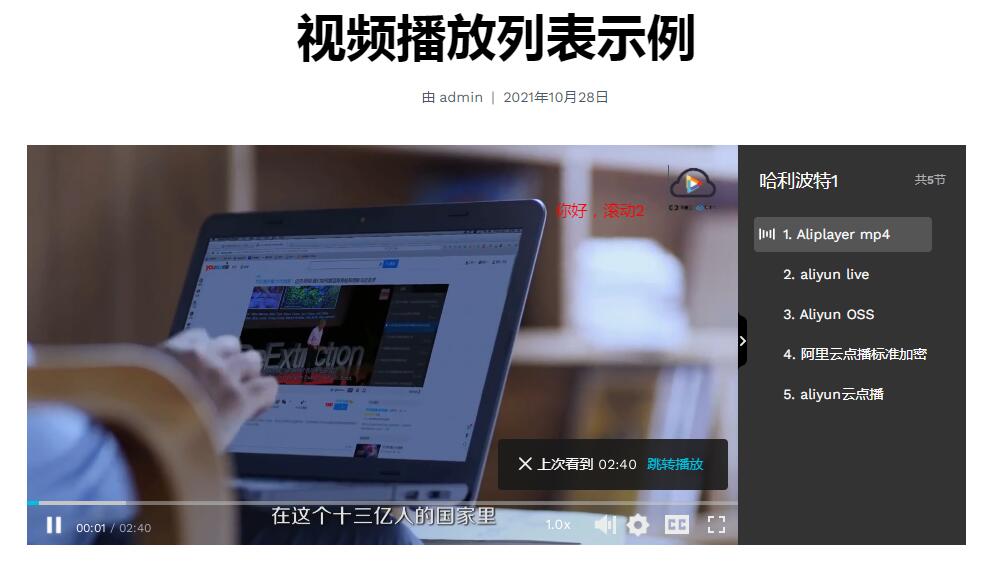
- Video cover images and playlists
- Captions and video markers
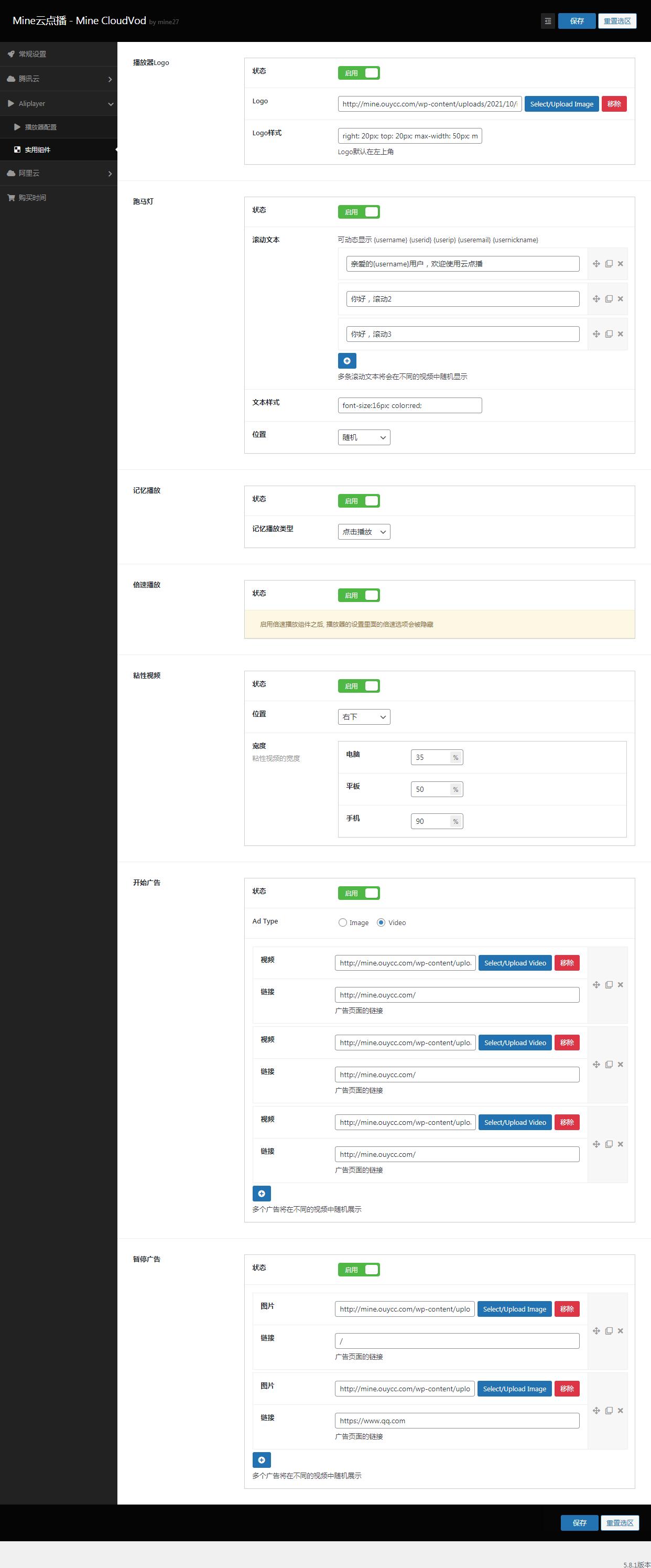
- Watermark or scrolling-text options where supported
- Remembering playback position and sticky-player options where supported
- Provider-specific playback encryption options where supported
Security note: No web player can guarantee that all video copying is impossible. Encryption, signed URLs, watermarks, and related options depend on the provider and your configuration; test the exact playback workflow before using it for paid content.
Course and learning features
Mine CloudVod exposes course-related blocks and has optional learning extensions. Depending on the features you enable, your site may include course lists, single-course pages, course chapters and lessons, student course lists, user-center links, quizzes, progress tracking, reviews, checkout integrations, and other learning workflows.
Get started
- In your WordPress dashboard, go to Plugins Add New Plugin and search for Mine CloudVod.
- Install and activate the plugin.
- Open the Mine CloudVod documentation and choose your path: video playback or course website.
- For cloud-hosted video, create or select a supported provider account and configure the required credentials and settings. Keep API secrets private and use the least-privilege permissions supported by your provider.
- Add a video block or create a course/lesson, then test playback on the front end.
- If you sell access to courses or videos, install and configure the required compatible payment/add-on workflow and test it with a non-production transaction first.
Documentation and demo
Support and feedback
Skjermbilder
Blokker
Denne utvidelsen gir 29 blokker.
- Documents List document directories.
- Dogecloud Embed videos from Dogecloud.
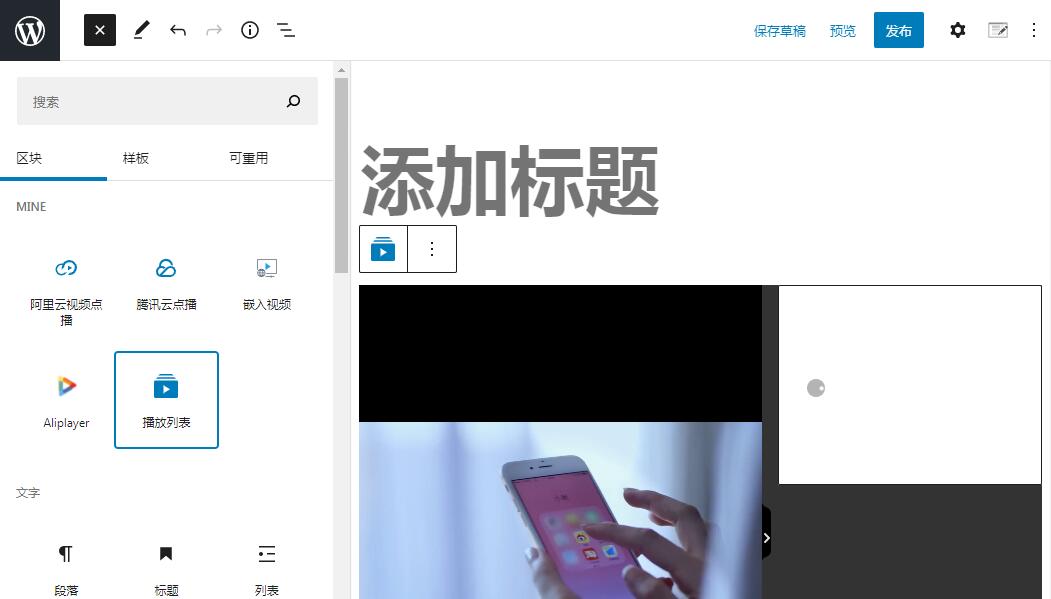
- Video Playlist Video Playlist of Cloud VoD.
- DPlayer Add video via video url.
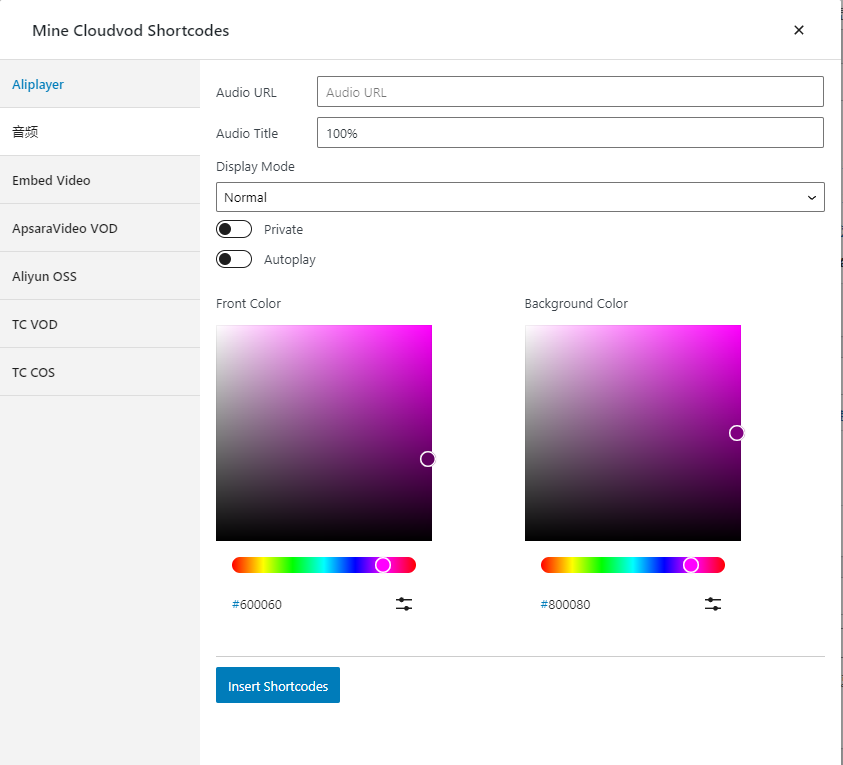
- Audio Player Embed audio from aliyun vod or url.
- BunnyNet Embed videos from Bunny.net.
- BaiDu Cloud Embed videos from BaiDu Cloud VOD.
- CloudFlare Stream Embed videos from CloudFlare Stream.
- HuaWei Cloud Embed videos from HuaWei Cloud VOD.
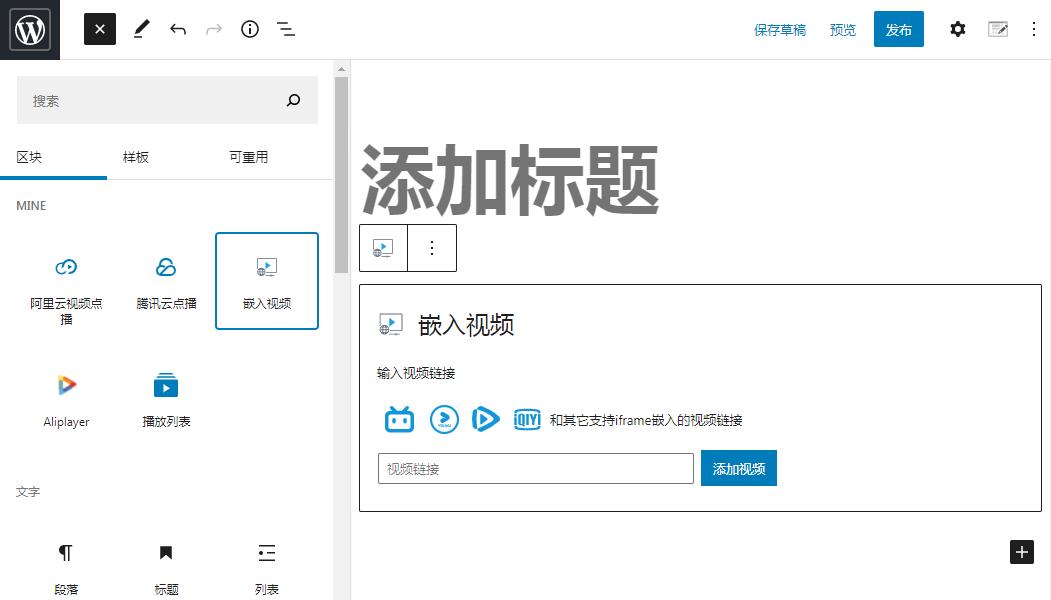
- Embed Video Embed video from Youku, Bilibili, iQiyi, Tencent, and other URLs that support iframe embedding.
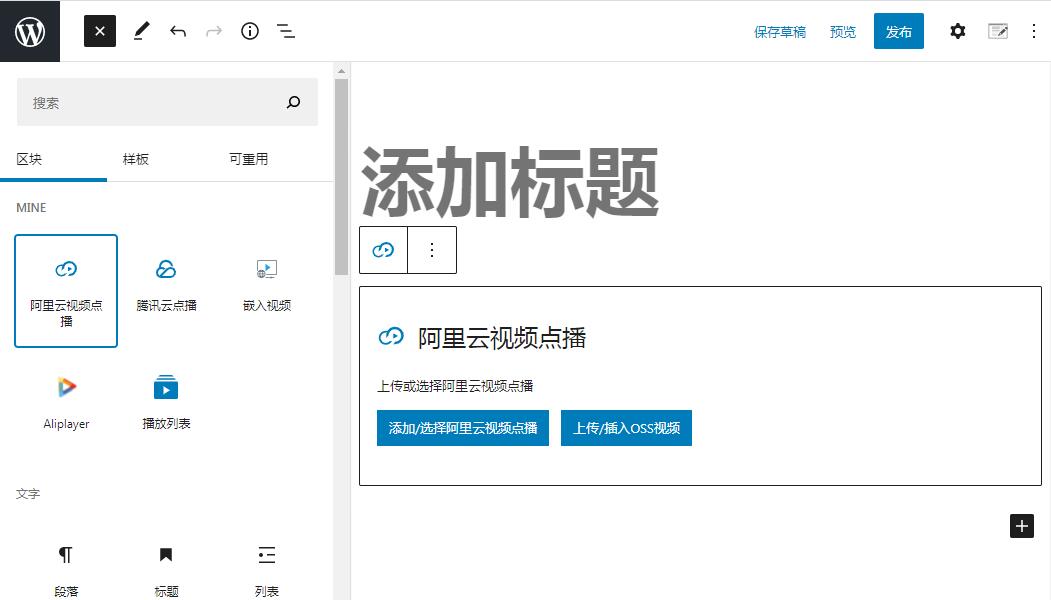
- Alibaba Cloud Embed videos from aliyun vod.
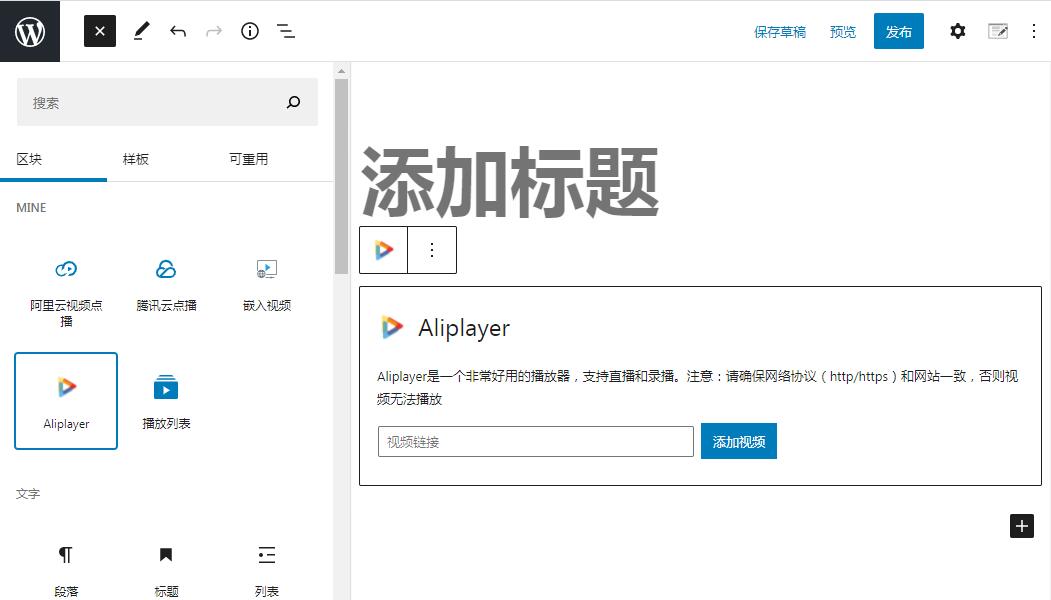
- Aliplayer Add video via video url.
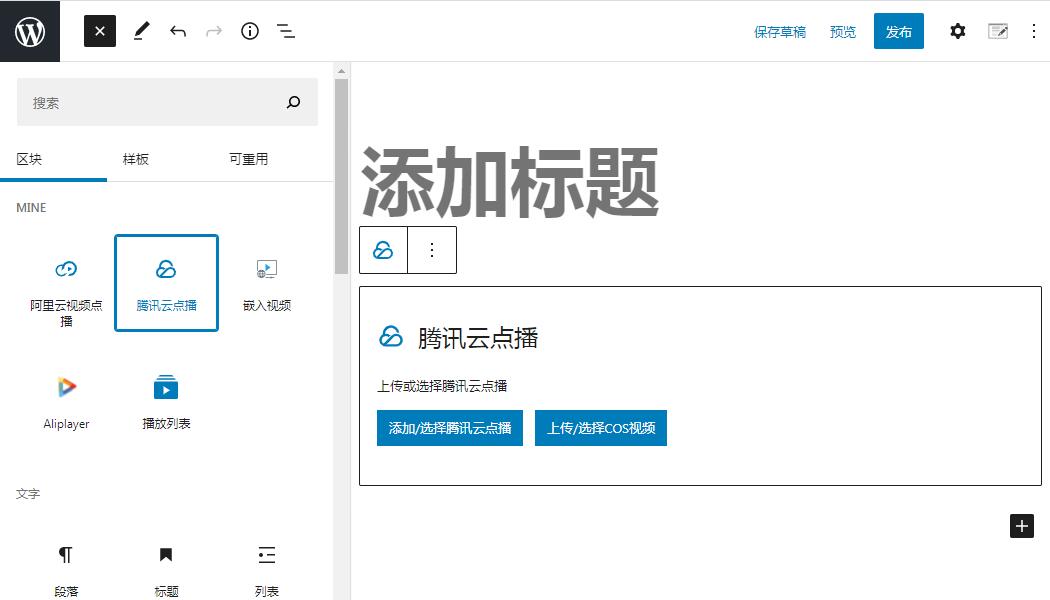
- Tencent Cloud Embed videos from tencent vod.
- Question Sections Show a list of question sections.
- Question Category Title The title of question category.
- Question Archive Show a list of question bank archive.
- Question Archive Template The template of question term.
- Question Sections Title Displays the title of a question section.
- Course Checkout Actions Select coupon, use coupon code and recalc price on checkout page.
- User Center Show login & logout button.
- Single Course Show single course detail.
- Course List Show some course data
- User's courses Show the courses list of user enrolled.
- Order List Show user's order list.
- Single Lesson Show single lesson detail.
- Quiz Evaluate progress and strengthen understanding of course concepts.
- Favorites Show user's favorites course list.
- Course Checkout Show course checkout info.
- Qiniu Kodo Embed videos from Qiniu Kodo.
Installasjon
From your WordPress Dashboard
- Go to Plugins > Add New
- Search for MineCloudVod
- Click Install Now and then Activate
- Follow the setup wizard to configure courses, payments, and pages
Ofte stilte spørsmål
-
可以防止被其他软件下载吗
-
可以的。开启视频加密功能,可有效防止一些嗅探软件或者浏览器插件下载视频,比如阿里云点播的HLS标准加密、腾讯云点播的SampleAES加密、百度云点播的Token加密、华为云点播的HLS加密,启用这些加密功能,即可有效防止视频被下载,保护视频版权。
-
支持嵌入第三方网站的视频吗
-
支持。比如Bilibili、Youtube、Vimeo和所有支持iframe引用的视频地址。
-
Do I need a cloud video provider?
-
If you want to play videos hosted by a supported cloud video service, you generally need an account and the required configuration for that service. Some supported embed workflows may work without connecting a cloud provider. Check the documentation for your chosen workflow.
-
Can I use Mine CloudVod only as a video player?
-
Yes. You can start with the video playback features and add LMS-related features only when your site needs them.
-
Can Mine CloudVod build an online course website?
-
Mine CloudVod includes course-related functionality and optional learning extensions. Review each feature’s documentation to confirm whether it is included in the core plugin or requires an add-on.
-
Does video encryption completely prevent downloads?
-
No solution should be described as an absolute guarantee. Provider-specific encryption and access controls can make unauthorized copying harder, but results depend on provider capabilities and configuration. Test your setup and use appropriate access controls.
-
Where do I start if I am new to the plugin?
-
Start with the Quick Start guide, then follow either the video playback path or the course website path. Begin with one test video before configuring a full course catalogue.
Vurderinger


Bidragsytere og utviklere
«Mine CloudVod» er programvare med åpen kildekode. Følgende personer har bidratt til denne utvidelsen:
Bidragsytere
«Mine CloudVod» har blitt oversatt til 1 språk. Takk til oversetterne for deres bidrag.
Oversett «Mine CloudVod» til ditt språk.
Interessert i utvikling?
Bla gjennom koden, sjekk ut SVN-repositoriet, eller abonner på utviklingsloggen med RSS.
Endringslogg
2.6.7 – 2026-11-09
- Security: fix an unauthenticated paywall bypass in the LMS.
2.6.6 – 2026-11-04
- Fix the checkout page not rendering on some themes;
- Fix the member center purchase error when the order status is pending;
- Optimize the translated content;
- Security: fix an unauthenticated authentication bypass in the SMS login endpoint.
Security Acknowledgements
- kta1kri – PayPal payment bypass (CWE-345), fixed in 2.6.4.
Researchers who responsibly disclose vulnerabilities are credited here. Please report security issues privately to the plugin author before public disclosure.