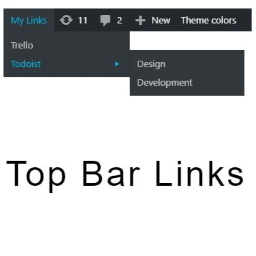
Beskrivelse
Top Bar Links allows you to to add custom links to your admin top bar.
You will be able to build your custom admin top bar to collect the important links for your project directly in your WordPress back-end.
Skjermskudd

Main Settings Page 
Custom Top Bar Links creation 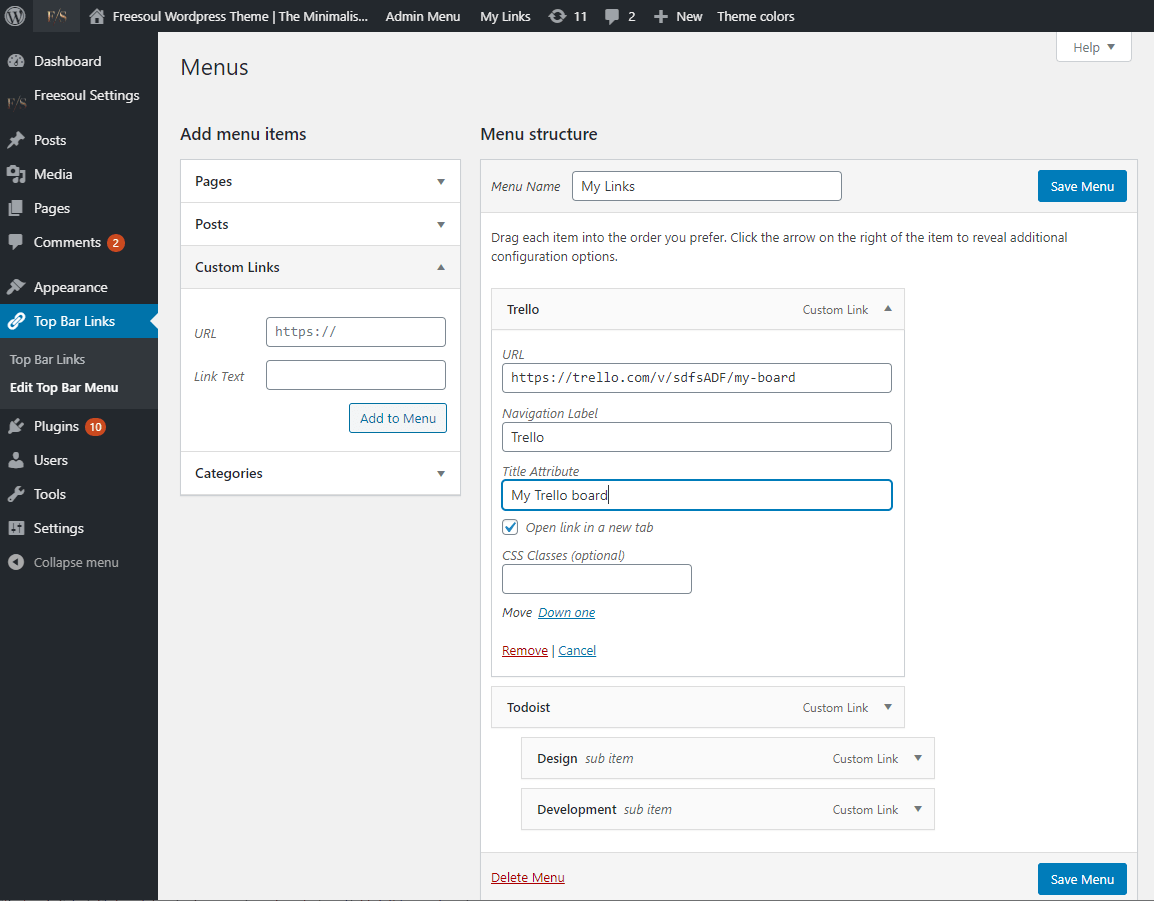
Menu item attributes 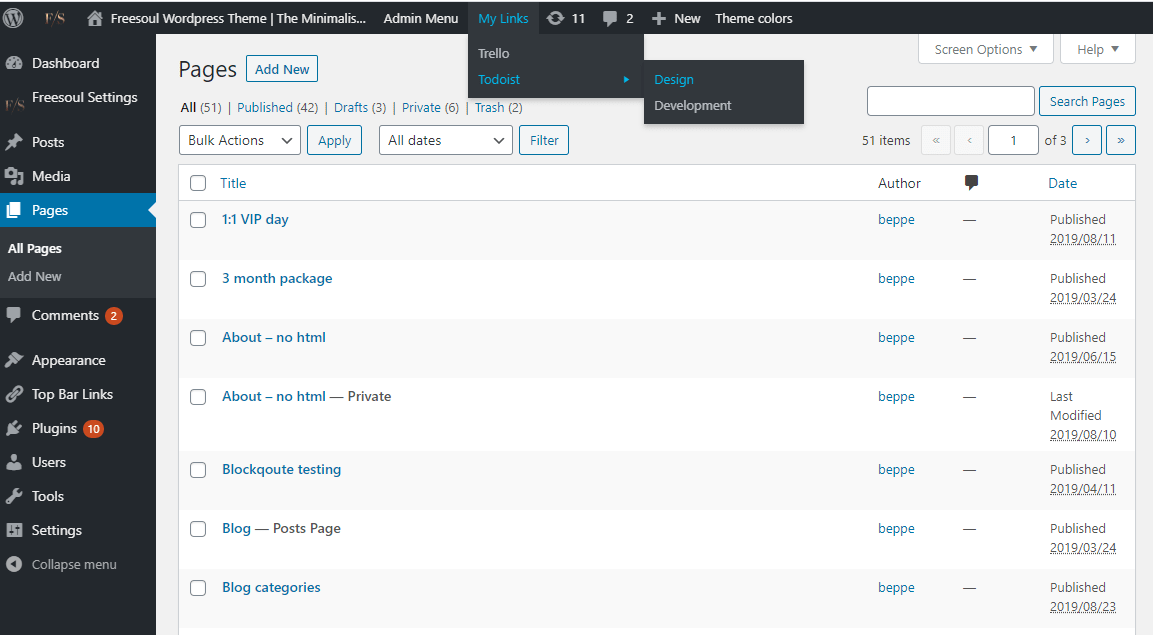
Custom Top Bar Links menu open
Installasjon
- Upload the entire
top-bar-linksfolder to the/wp-content/plugins/directory. - Activate the plugin through the ‘Plugins’ menu in WordPress.
- You will find the plugin options in each single page and post and a global settings page under the plugins admin menu
- All done. Good job!
Vurderinger

15. april, 2020
1 svar
Nice plugin.
Thanks

13. januar, 2020
1 svar
Very useful and lightwave plugin to add easily items to the back-end admin's top bar menu!
Bidragsytere og utviklere
“Top Bar Links, add custom links to the admin top bar” er programvare med åpen kildekode. Følgende personer har bidratt til denne utvidelsen.
Bidragsytere
“Top Bar Links, add custom links to the admin top bar” har blitt oversatt til 1 språk. Takk til oversetterne for deres bidrag.
Oversett “Top Bar Links, add custom links to the admin top bar” til ditt språk.
Interessert i utvikling?
Bla gjennom koden, sjekk ut SVN-repositoriet, eller abonner på utviklingsloggen med RSS.
Endringslogg
1.0.5
- Fixed: prevent any possibilities the Top Bar Links is called on front-end when the user does’t set the primary menu location
1.0.4
- Added: filters «eos_quil_settings_capability» and «eos_quil_who_can_see» to filter the capability to manage and see the Top Bar Links
1.0.3
- Fixed: missing ajax loader spinner on admin settings page
1.0.2
- Fixed: error on admin settings page
1.0.1
- Added: menu deletion when plugin is deleted
1.0
- Initial Release of Top Bar Links