

Beskrivelse
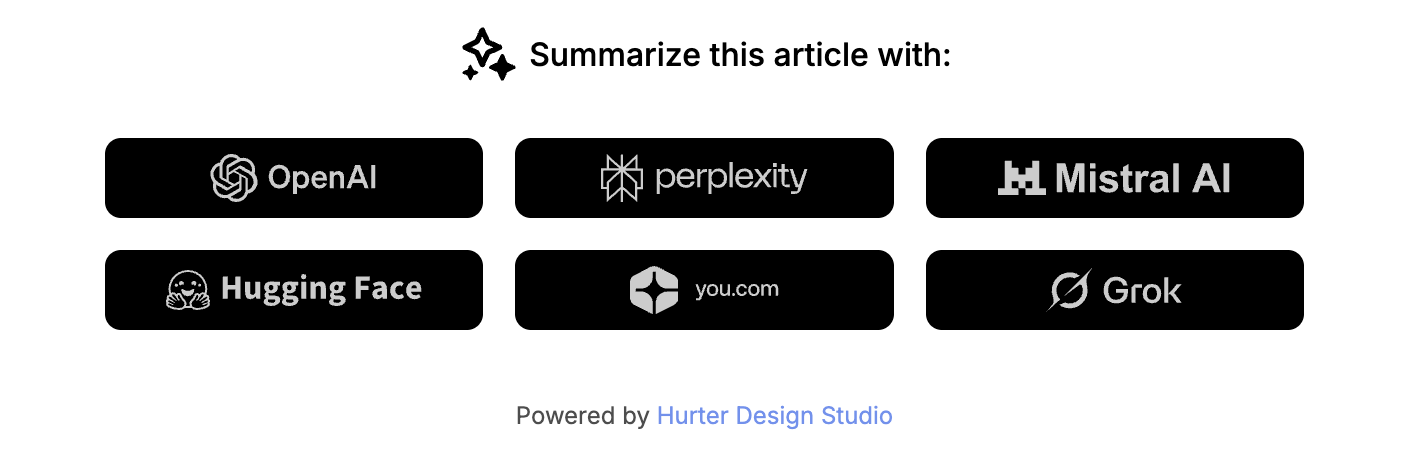
Blog AI summarize is a WordPress plugin that adds a customizable block to single posts, allowing readers to quickly summarize articles using various AI services.
Features
- Add AI summarization links to single posts
- Support for multiple AI services: ChatGPT, Perplexity, Mistral, HuggingChat, You.com, Grok
- Customizable title text
- Enable/disable individual AI services
- Choose display position: top, bottom, or both
- Customizable colors: background, primary, and secondary colors
- Responsive design
- Dark and light theme support
AI services supported
- ChatGPT (OpenAI)
- Perplexity
- Mistral
- HuggingChat
- You.com
- Grok (xAI)
Skjermbilder
Installasjon
- Upload the plugin files to the
/wp-content/plugins/blog-ai-summarizedirectory, or install the plugin through the WordPress plugins screen directly. - Activate the plugin through the ‘Plugins’ screen in WordPress.
- Go to Appearance > Customize > AI Summarize to configure the plugin settings.
Ofte stilte spørsmål
-
Does this plugin require an API key?
-
No, this plugin uses direct links to AI chat services. No API keys are required.
-
Can I customize the appearance?
-
Yes, you can customize the colors (background, primary, secondary) and the title text through the WordPress Customizer.
-
Where can I display the AI block?
-
You can choose to display the block at the top of articles, at the bottom or both.
-
Can I disable certain AI services?
-
Yes, you can enable or disable each AI service individually through the Customizer.
Vurderinger
Det er ingen omtaler av denne utvidelsen.
Bidragsytere og utviklere
«Blog AI summarize» er programvare med åpen kildekode. Følgende personer har bidratt til denne utvidelsen:
Bidragsytere
Oversett «Blog AI summarize» til ditt språk.
Interessert i utvikling?
Bla gjennom koden, sjekk ut SVN-repositoriet, eller abonner på utviklingsloggen med RSS.
Endringslogg
1.0.0
- Initial release
- Support for multiple AI services (ChatGPT, Perplexity, Mistral, HuggingChat, You.com, Grok)
- Customizable colors and positioning
- Enable/disable individual AI services
- «Display Powered by» option (disabled by default)