

Beskrivelse
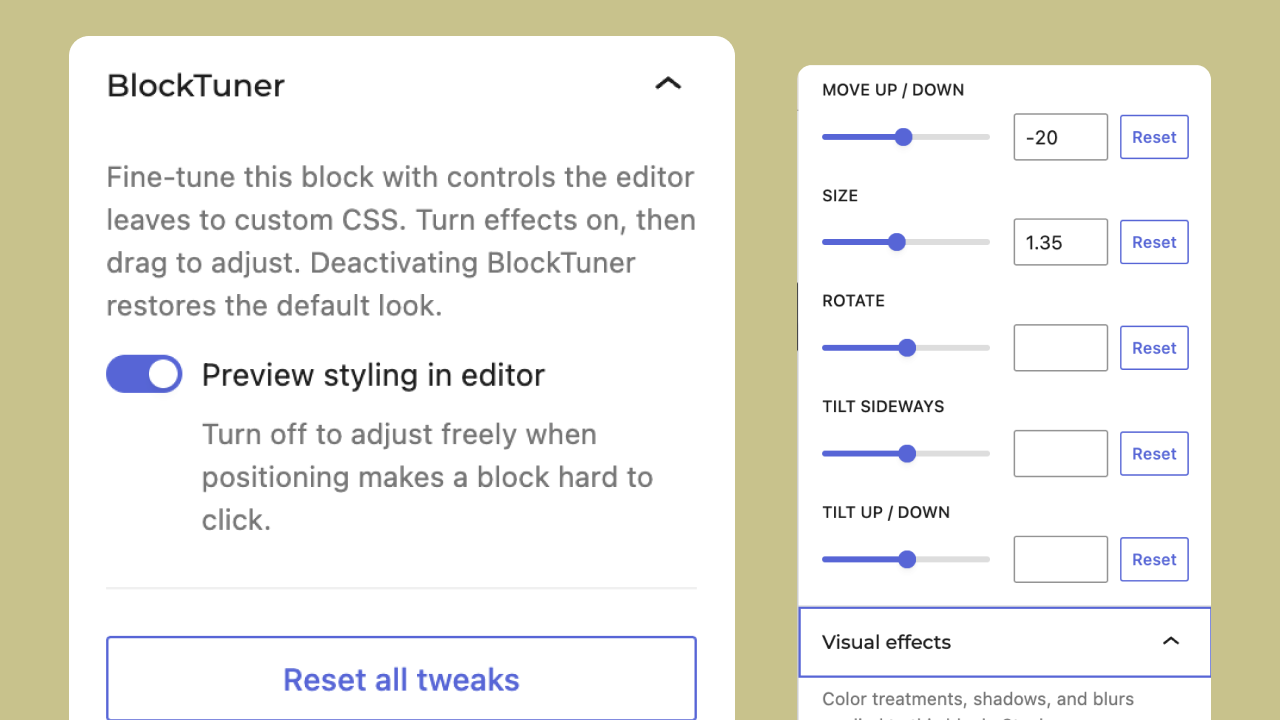
BlockTuner adds the design controls the WordPress editor leaves hard to reach. Select any block and tune it in the sidebar: overflow and crop, stack order, display and flex layout, transforms (move / scale / rotate / skew), blend modes, shadow, and stackable filter and backdrop effects — all as form controls, with no free-text CSS or script fields.
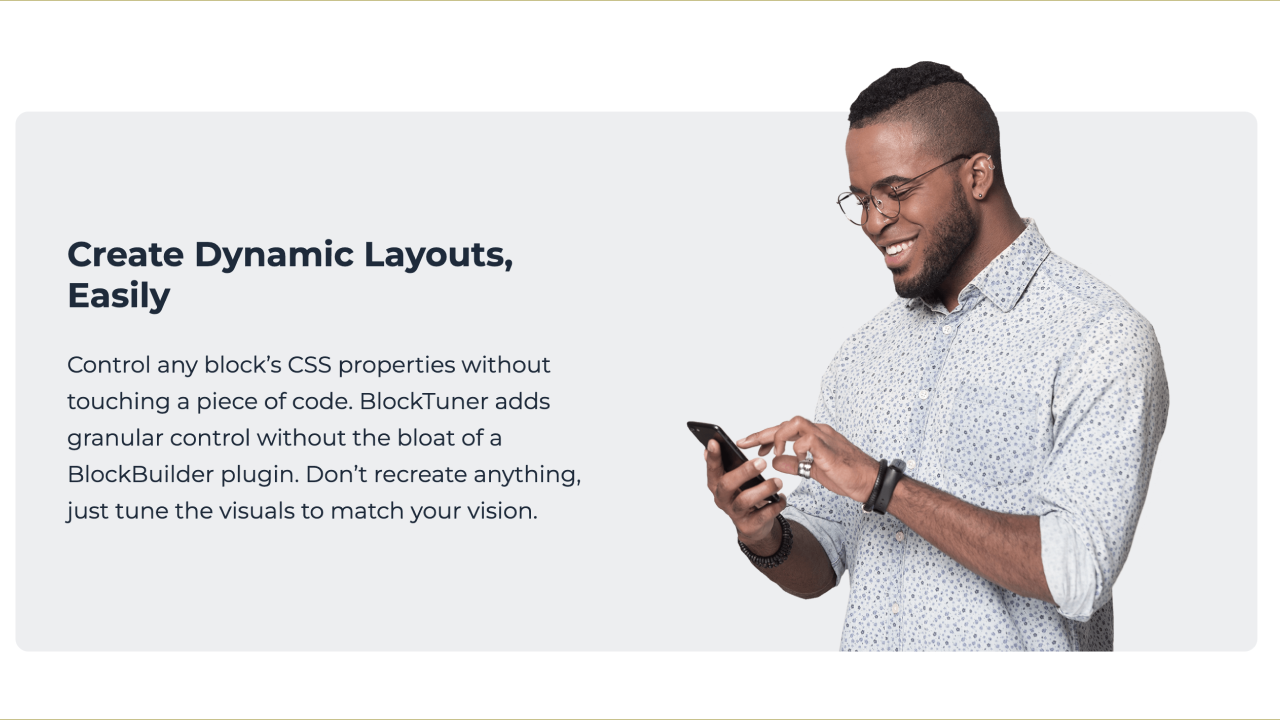
It is not a block, not a builder, and not a wrapper. It augments whatever block you have selected — a Group, a Column, an Image deep inside a nested layout — so you tune exactly the element you want without remaking content or picking from a tree.
- Works on every block type.
- Controls only what core does not expose: overflow, per-edge clip, z-index, display / flex, transform (translate / scale / rotate / skew), mix-blend-mode, shadow, and stackable backdrop-filter and filter effects.
- Responsive: keep settings the same on mobile, reset to default on small screens, or set different values for phones.
- Optional live editor preview toggle.
- No duplicate controls for spacing, padding, margins, colors, backgrounds, or corner radius — those already live in core.
- Styles are applied at render time, not baked into your content.
- Deactivate the plugin and every block returns to its default presentation. Nothing breaks and nothing needs rebuilding.
How it works
Tuning is stored as a hidden blockTuner attribute in the block’s markup comment (never in the visible HTML). On the front end, BlockTuner applies styles at render time: an inline style attribute for same-as-desktop tuning, or a unique class plus enqueued media-query CSS (via WordPress style enqueue APIs) when small-screen reset/custom is enabled. Remove the plugin and the injection stops — the stored attribute is inert and the block renders with its default styling.
Skjermbilder
Installasjon
- Upload the plugin files to
/wp-content/plugins/blocktuner, or install through the WordPress plugins screen. - Activate the plugin through the «Plugins» screen in WordPress.
- Select any block in the editor and open the «BlockTuner» panel in the sidebar.
Ofte stilte spørsmål
-
What happens if I deactivate BlockTuner?
-
Styling stops being injected, so every block renders with its default presentation. Your content is unchanged and no pages break.
-
Will my styles affect other blocks?
-
No. Styles are applied to the specific block you tuned.
-
Does this load JavaScript on the front end?
-
No. Styling is injected as static CSS during rendering. There is no front-end script.
-
Can I paste custom CSS?
-
No. BlockTuner only exposes form controls and generates CSS from those values. Use the Customizer or Additional CSS in the Site Editor for free-form styles.
Vurderinger
Det er ingen omtaler av denne utvidelsen.
Bidragsytere og utviklere
«BlockTuner» er programvare med åpen kildekode. Følgende personer har bidratt til denne utvidelsen:
Bidragsytere
Oversett «BlockTuner» til ditt språk.
Interessert i utvikling?
Bla gjennom koden, sjekk ut SVN-repositoriet, eller abonner på utviklingsloggen med RSS.
Endringslogg
1.0.1
- Fix small-screen custom settings: spill, crop, and other controls now override desktop values and apply on the front end.
- Responsive rules use
!importantso they win over core inline overflow/shadow/gap. - Editor mobile/tablet preview follows the breakpoint instead of only the Mobile device toggle.
- Allow overflow-x/y, mix-blend-mode, and backdrop-filter in inline style filtering; keep desktop values when a small-screen control is left at Default.
1.0.0
- Initial WordPress.org release.
- Form-only tuning (no arbitrary CSS / JS / PHP insertion).
- Front-end CSS via
wp_enqueue_style/wp_add_inline_stylefor responsive rules; escaped inline styles for same-viewport tuning. - Sidebar tuning for overflow/crop, layout, transforms, stackable filters/backdrops, shadow, and responsive small screens.
- Optional editor preview; styles inject at render time and clear on deactivate.