
Beskrivelse
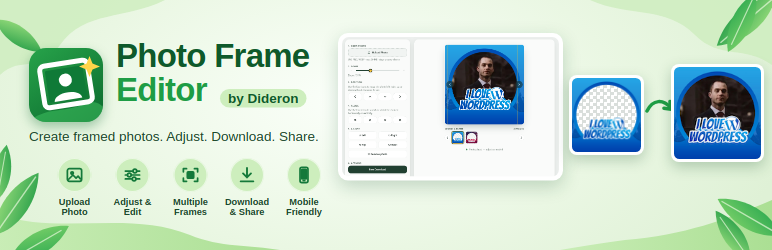
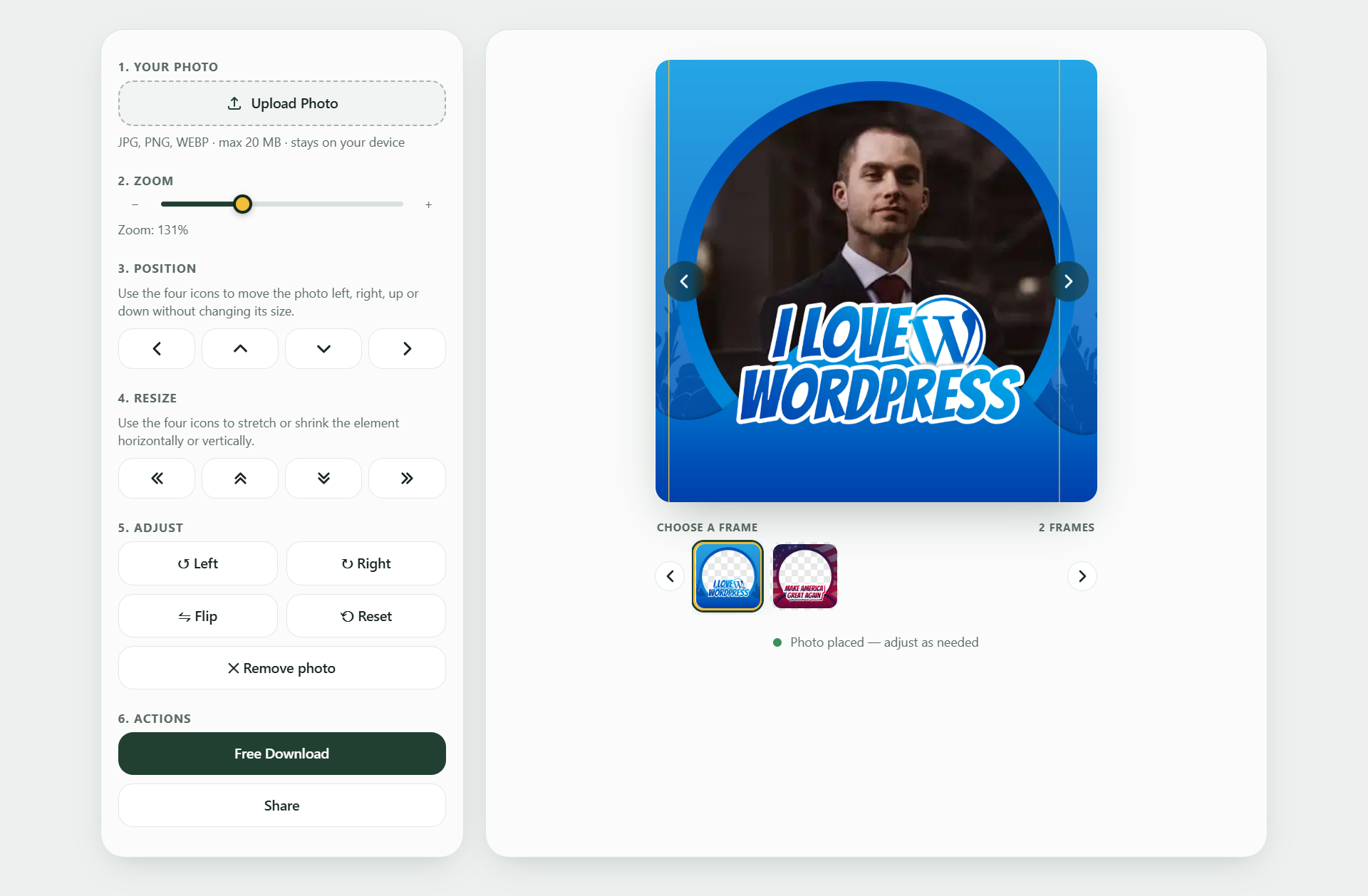
Photo Frame Editor adds a frame editor to any page of your website. Visitors choose a photo, it is placed behind one of your transparent frames, they zoom, move, rotate and adjust it, then download (or share) a finished 1080×1080 image. It suits campaigns, events, schools, communities and brands that want people to create their own framed profile pictures.
Features
- Add as many frames as you like (transparent PNG or WebP, square, 1080×1080 recommended).
- Frame categories with filter buttons, and category cards.
- Zoom, move, resize, rotate, flip, brightness and other adjustments, with mouse, touch or keyboard.
- Mobile friendly layout with tabs and a fixed download bar.
- Optional download counter per frame.
- Bulk upload, ZIP export and ZIP import of frames.
- Colors, text sizes, buttons and layout can be changed under Photo Frames Appearance.
Privacy: photos are processed in the visitor’s browser and are never uploaded to your server.
Shortcodes
[pfd_editor]shows the editor. Options:limit="24",start="123"(frame ID to show first),track="1"(count downloads),share="1"(Share button on supported devices).[pfd_editor category="birthday,wedding"]shows only those categories (operator="and"= frames in all of them,filter="0"hides the buttons).[pfd_categories columns="3"]shows a card for every category. On the same page as the editor, clicking a card filters the editor in place. On any other page it links to the editor page (set under Appearance, or detected automatically).
Third-party library
This plugin bundles Fabric.js 7.4.0 (MIT license) in assets/js/fabric.min.js. Nothing is loaded from an external server.
Skjermbilder


Installasjon
- Upload the
dideron-photo-frame-editorfolder to/wp-content/plugins/, or install the plugin from the Plugins screen. - Activate the plugin.
- Go to Photo Frames Add New and upload a transparent frame image. Use the «Order» box to control the order (lower number first).
- Add the shortcode
[pfd_editor]to any page.
Ofte stilte spørsmål
-
Are visitors’ photos stored on my server?
-
No. Photos are processed in the visitor’s browser only.
-
What data does the plugin store?
-
An anonymous download counter per frame, your Appearance settings, and a short-lived (about one minute) one-way hash of the visitor’s IP address used only to limit abuse of the counter.
-
Can I use more than one editor on a page?
-
No, one editor per page is supported. You can use
[pfd_categories]on the same page. -
Do my frames get deleted when I delete the plugin?
-
Settings are removed. Your frames and their images are kept on purpose.
-
The visitor’s download looks wrong with a JPEG frame.
-
JPEG has no transparency, so the visitor’s photo is hidden behind it. Use a transparent PNG or WebP.
Vurderinger

Bidragsytere og utviklere
«Photo Frame Editor – Custom Photo Frame Maker» er programvare med åpen kildekode. Følgende personer har bidratt til denne utvidelsen:
Bidragsytere
Oversett «Photo Frame Editor – Custom Photo Frame Maker» til ditt språk.
Interessert i utvikling?
Bla gjennom koden, sjekk ut SVN-repositoriet, eller abonner på utviklingsloggen med RSS.
Endringslogg
1.2.8
- Fixed headings and text becoming too large on sites where a page builder (such as Elementor) sets global heading and paragraph styles.
- Plugin name uses a plain hyphen so it shows correctly everywhere.
1.2.7
- Plugin name changed to «Photo Frame Editor – Custom Photo Frame Maker».
- Removed the Quick View feature.
1.2.4
- Appearance screen: quick-start buttons are aligned and the Editor page setting is always visible.
1.2.3
- Appearance settings reorganised into Colors, Buttons and Layout tabs, with a live preview, quick-start color sets and a Reset button.
- Hover colors are now made automatically (you can still choose them yourself).
1.1.7
- Click the empty frame preview to choose a photo on desktop too, as on phones.
1.1.6
- Slider arrows and the move/resize icon buttons are round on every theme.
1.1.5
- Buttons and frame thumbnails keep their look when a theme styles all buttons and images.
1.1.4
- The editor styles now load from a normal CSS file (assets/css/editor.css) in the page head, so caching and optimization plugins can find and handle them.
1.1.3
- Fixed the editor briefly showing as unstyled HTML while the page loads.
1.1.2
- Updated plugin name and assets.
1.1.1
- Frame images now load even when the stored image address differs from the page address (http/https or www), with a clear error message if loading still fails.
- Category cards use a single database query.
1.1.0
- Renamed to Dideron Photo Frame Editor; new unique prefix (dpfr), shortcodes
[pfd_editor]and[pfd_categories]. - Fabric.js 7.4.0 is now bundled with the plugin; the CDN fallback and the one-click download were removed.
- Styles and scripts are enqueued with the WordPress APIs instead of printed inline.
- All admin text is translatable.
- Removed the manual translation loader (WordPress.org loads translations automatically).
1.0.0
- First release.