

Beskrivelse
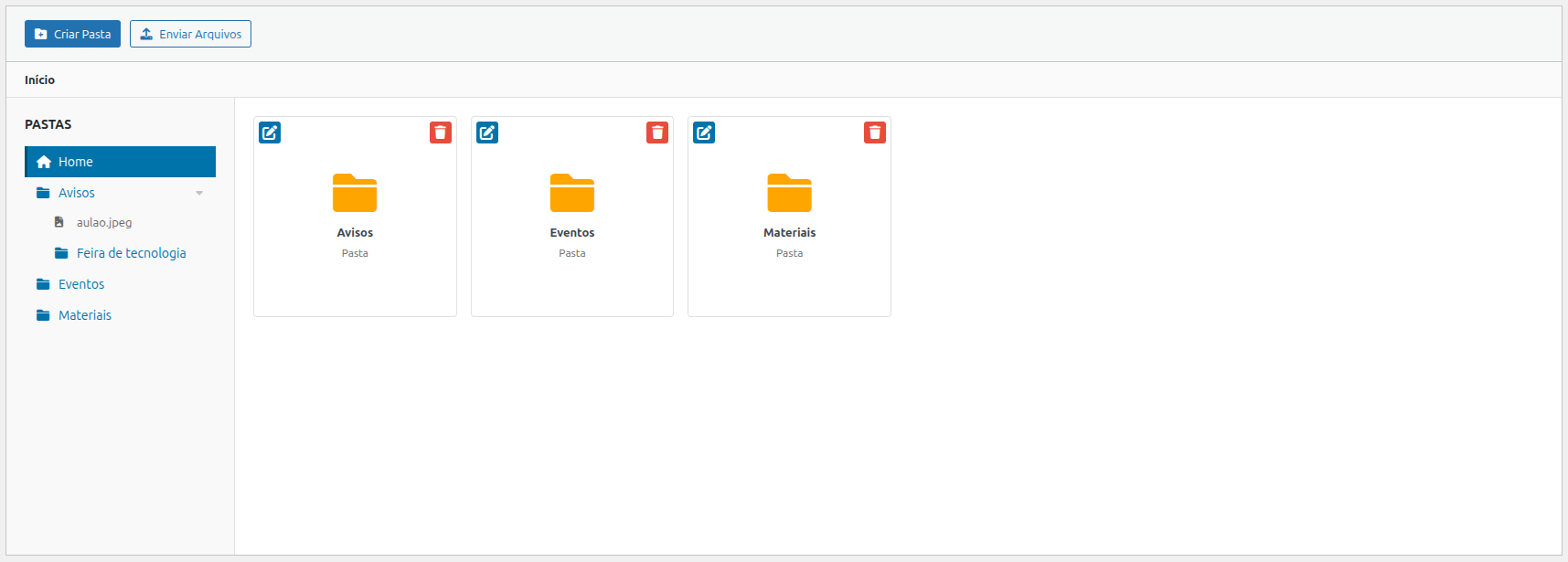
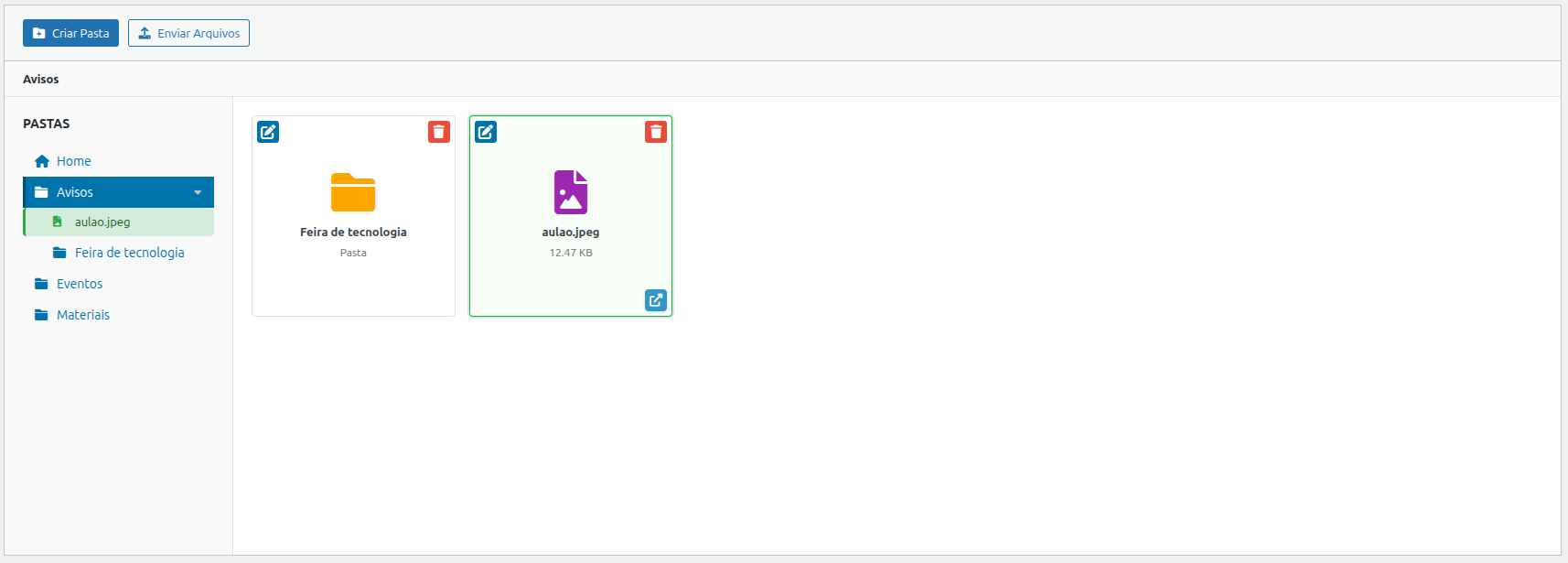
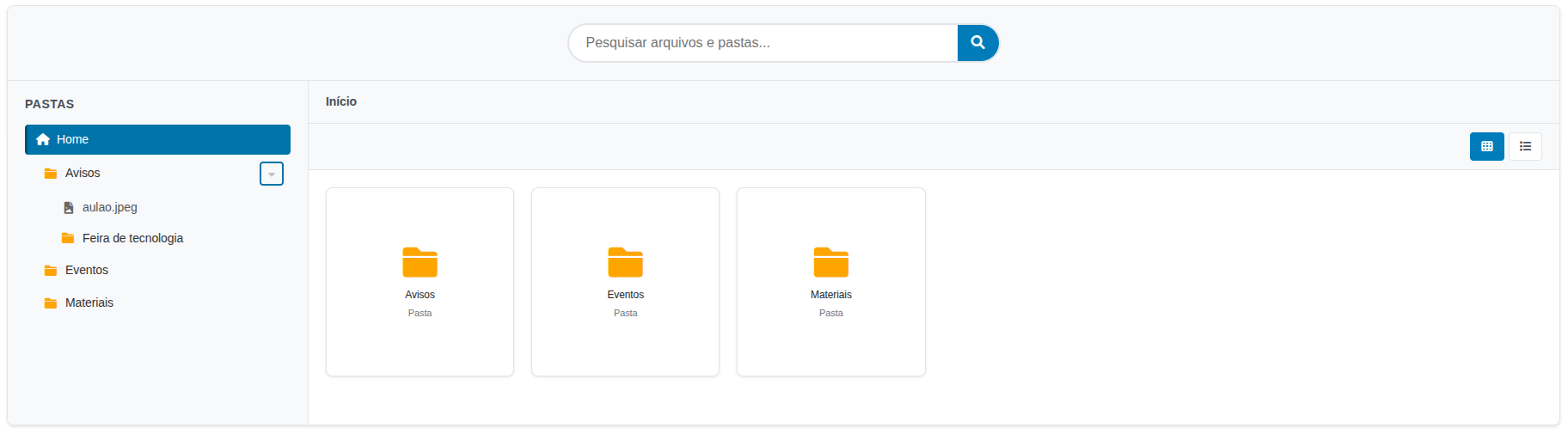
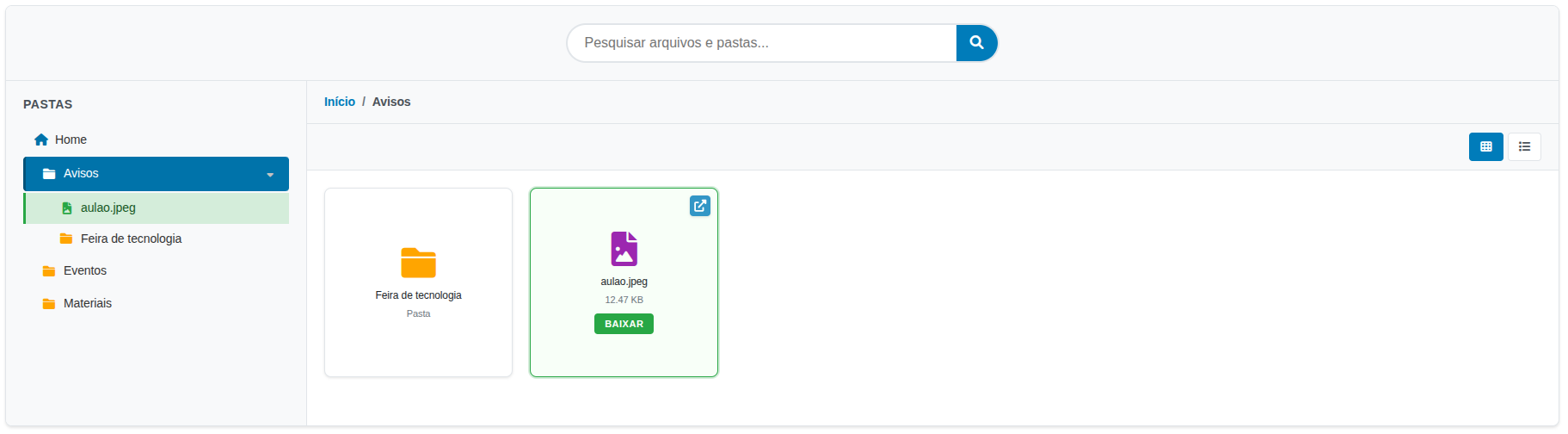
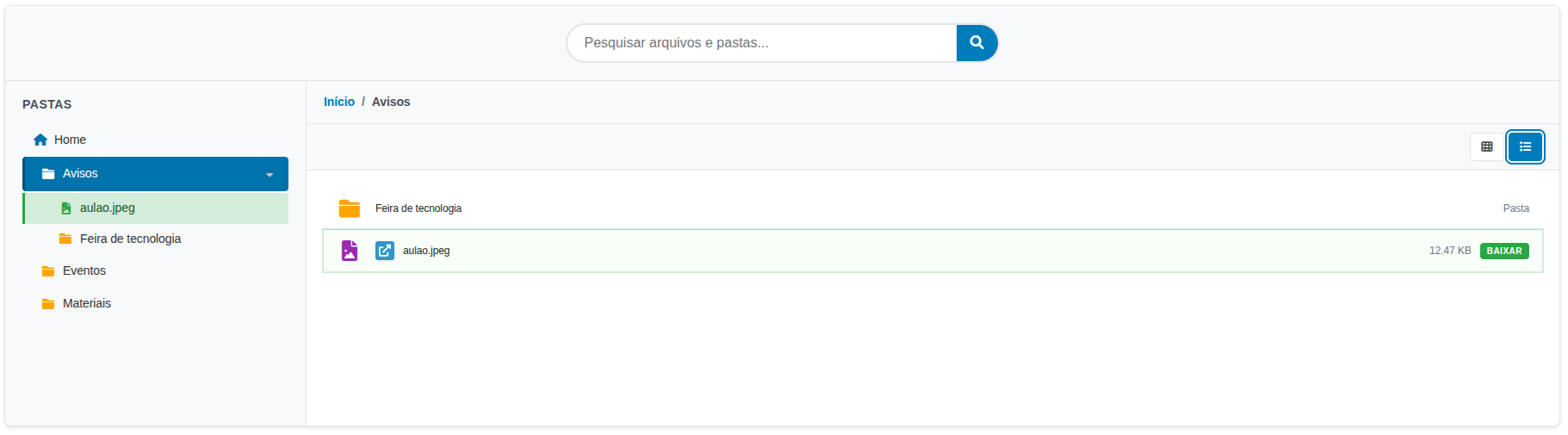
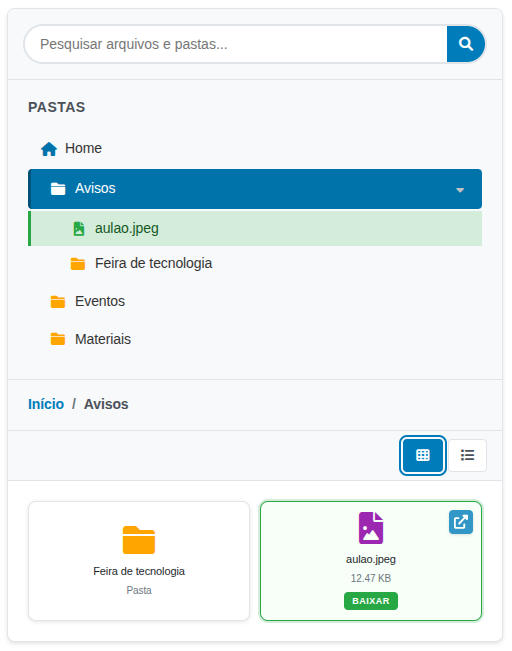
Link Nacional File Browser lets you create and manage a complete hierarchical file system within WordPress. It provides an admin interface to organize files into folders and a shortcode to display the file browser on the frontend.
Key Features:
- Hierarchical Folder System — Create nested folders organized like a file explorer
- Multiple File Uploads — Support for PDF, Word, Excel, PowerPoint, images, and more
- Search Interface — Quick file and folder search on the frontend
- Responsive Design — Grid or list layout, adaptable to mobile devices
- Breadcrumb Navigation — Intuitive folder browsing
- Flexible Shortcode — Multiple configuration options
Supported File Types:
* Documents: PDF, DOC, DOCX, XLS, XLSX, PPT, PPTX, TXT
* Images: JPG, JPEG, PNG, GIF
Technical Details
Database Structure:
* {prefix}linknacional_filebrowser_folders — Stores folder information
* {prefix}linknacional_filebrowser_files — Stores file information
Upload Directory:
Files are stored in /wp-content/uploads/linknacional-filebrowser/
Available Hooks:
* linknacional_filebrowser_before_upload — Fires before a file upload
* linknacional_filebrowser_after_upload — Fires after a file upload
* linknacional_filebrowser_before_delete — Fires before a file deletion
Support
For technical support, contact us:
* Email: contato@linknacional.com
* Website: https://www.linknacional.com.br
License
This plugin is licensed under GPL v2 or later.
Skjermbilder
Installasjon
- Upload the plugin to the
/wp-content/plugins/linknacional-file-browser/directory - Activate the plugin through the ‘Plugins’ menu in WordPress
- The plugin will automatically create the required database tables
- Go to ‘File Browser’ in the admin menu to start organizing your files
Ofte stilte spørsmål
-
How do I use the shortcode?
-
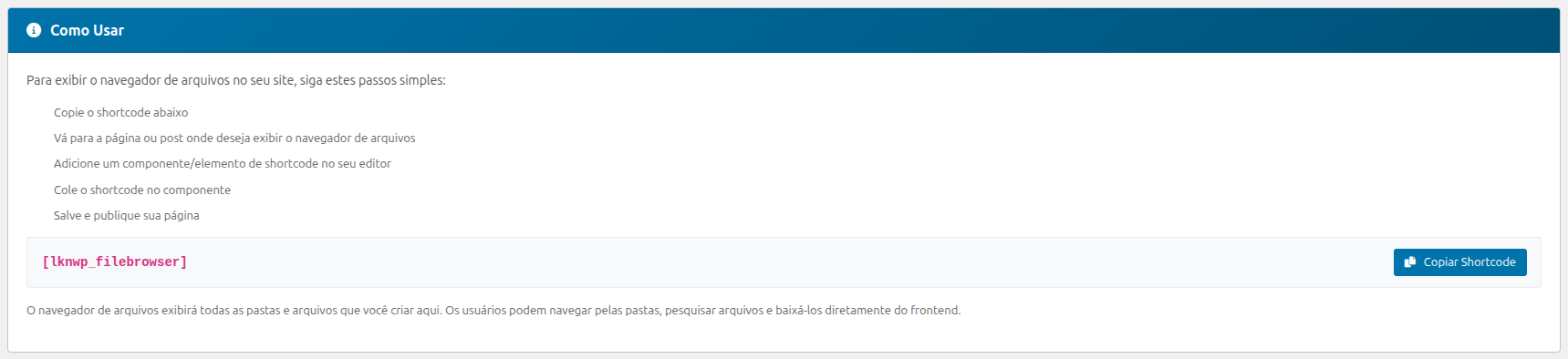
The plugin includes an instructions panel in the admin area with practical examples and copy buttons.
Go to ‘File Browser’ in the admin menu for complete usage instructions.
Basic usage:
[linkn_filebrowser]Specific folder:
[linkn_filebrowser folder_id=»1″]Different layout:
[linkn_filebrowser layout=»list»]Available layouts: grid (default) and list
-
Where do I find usage instructions?
-
The plugin admin panel includes an instructions block with:
* Shortcode examples
* Copy shortcode buttons
* Usage tips
* Feature guide -
How do I organize files into folders?
-
- Go to ‘File Browser’ in the admin menu
- Read the instructions at the top of the page
- Click ‘Create Folder’ to create a new folder
- Navigate to the desired folder and click ‘Upload Files’
- Select multiple files for simultaneous upload
-
How can users access the files?
-
Users can:
* Navigate through folders by clicking on them
* Use the search bar to find specific files
* Download files by clicking on them
* Switch between grid and list views -
Is the plugin responsive?
-
Yes! The plugin is built with responsive design and automatically adapts to tablets and smartphones.
Vurderinger
Det er ingen omtaler av denne utvidelsen.
Bidragsytere og utviklere
«Link Nacional File Browser» er programvare med åpen kildekode. Følgende personer har bidratt til denne utvidelsen:
Bidragsytere
«Link Nacional File Browser» har blitt oversatt til 1 språk. Takk til oversetterne for deres bidrag.
Oversett «Link Nacional File Browser» til ditt språk.
Interessert i utvikling?
Bla gjennom koden, sjekk ut SVN-repositoriet, eller abonner på utviklingsloggen med RSS.
Endringslogg
1.0.2 – 2026-08-03
- Bug: LiteSpeed adaptation loading.
1.0.1 – 2026-08-03
- Bug: Font Awesome script loading.
1.0.0 – 2026-07-27
- Initial release
- Complete hierarchical folder system
- Multiple file uploads
- Search interface
- Flexible shortcode with multiple options
- Responsive design
- Support for multiple file types