
Beskrivelse
Give your visitors one-click printing – add a stylish print button that prints the whole page or just the section you choose.
Why Print Page Block?
Some content is meant to be printed – recipes, tickets, invoices, documentation. Print Page Block adds a print button to any page with a simple Gutenberg block, so visitors can print the entire webpage or only a specific part of it with a single click.
Want to print just the article and skip the sidebar? Point the block at any HTML section using a CSS selector (e.g. #content, .article) and only that part gets printed.
The plugin has been developed so anyone can configure and use it without technical knowledge – pick a button style, set your colors and publish.
Free Features
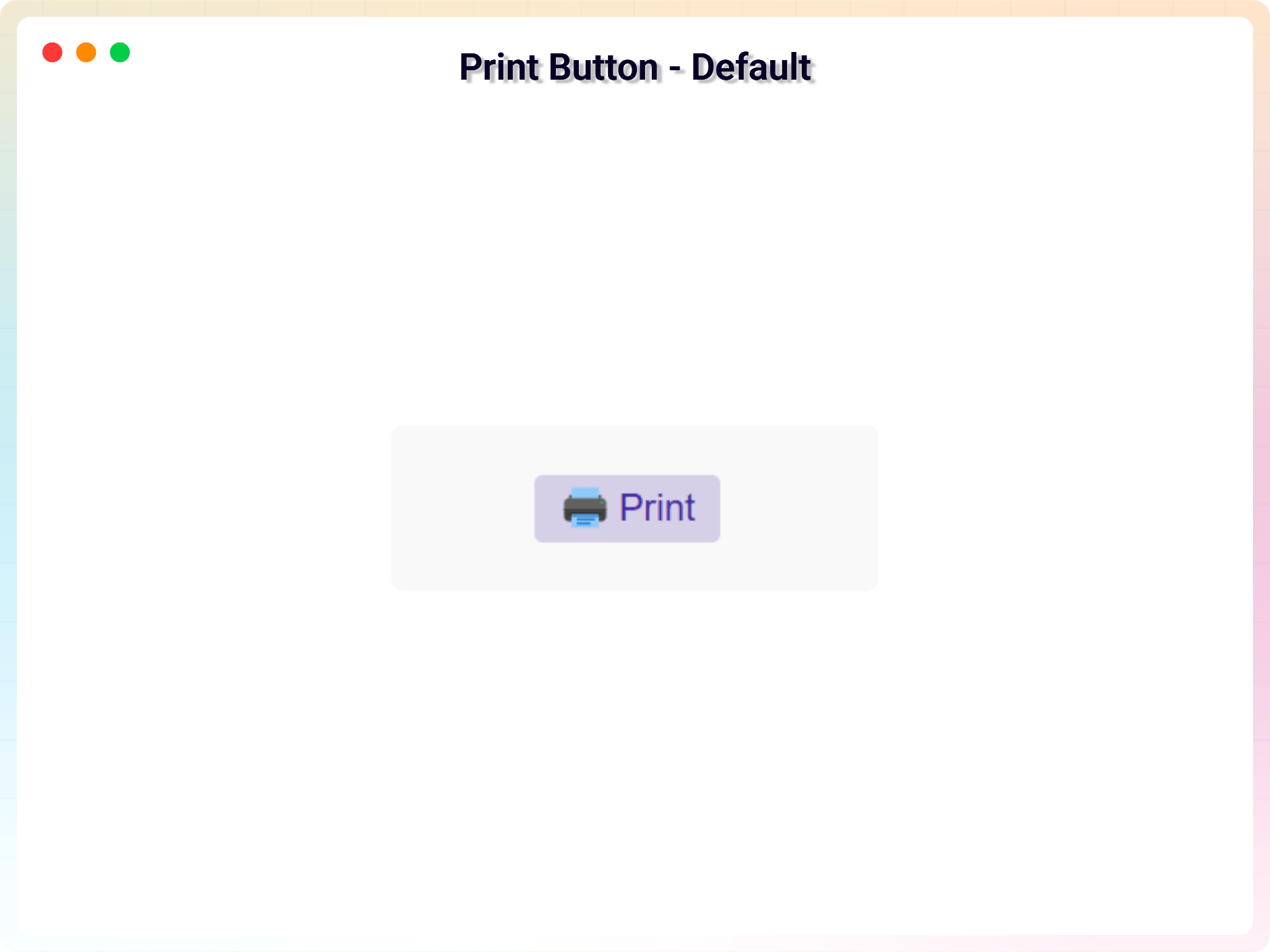
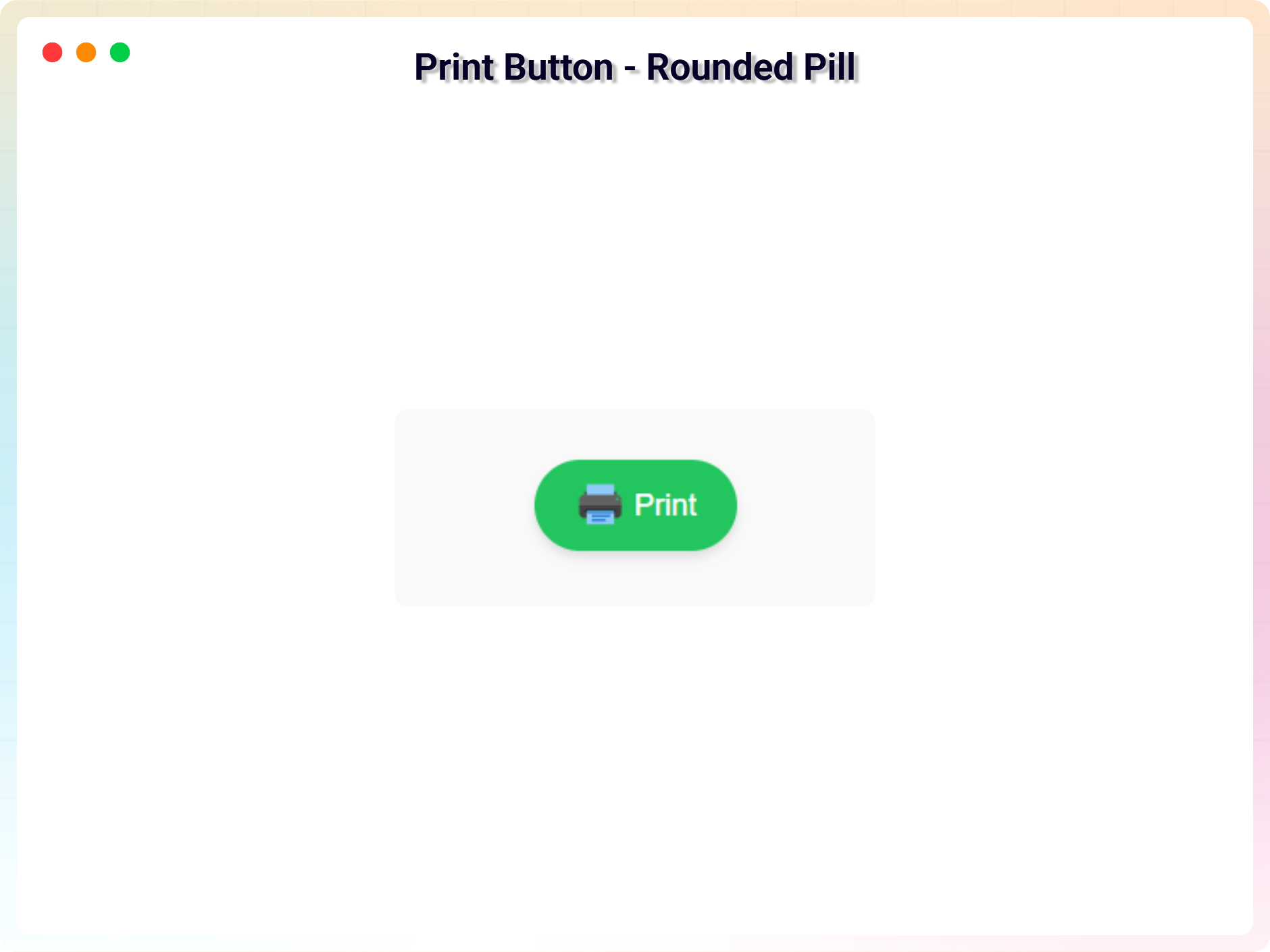
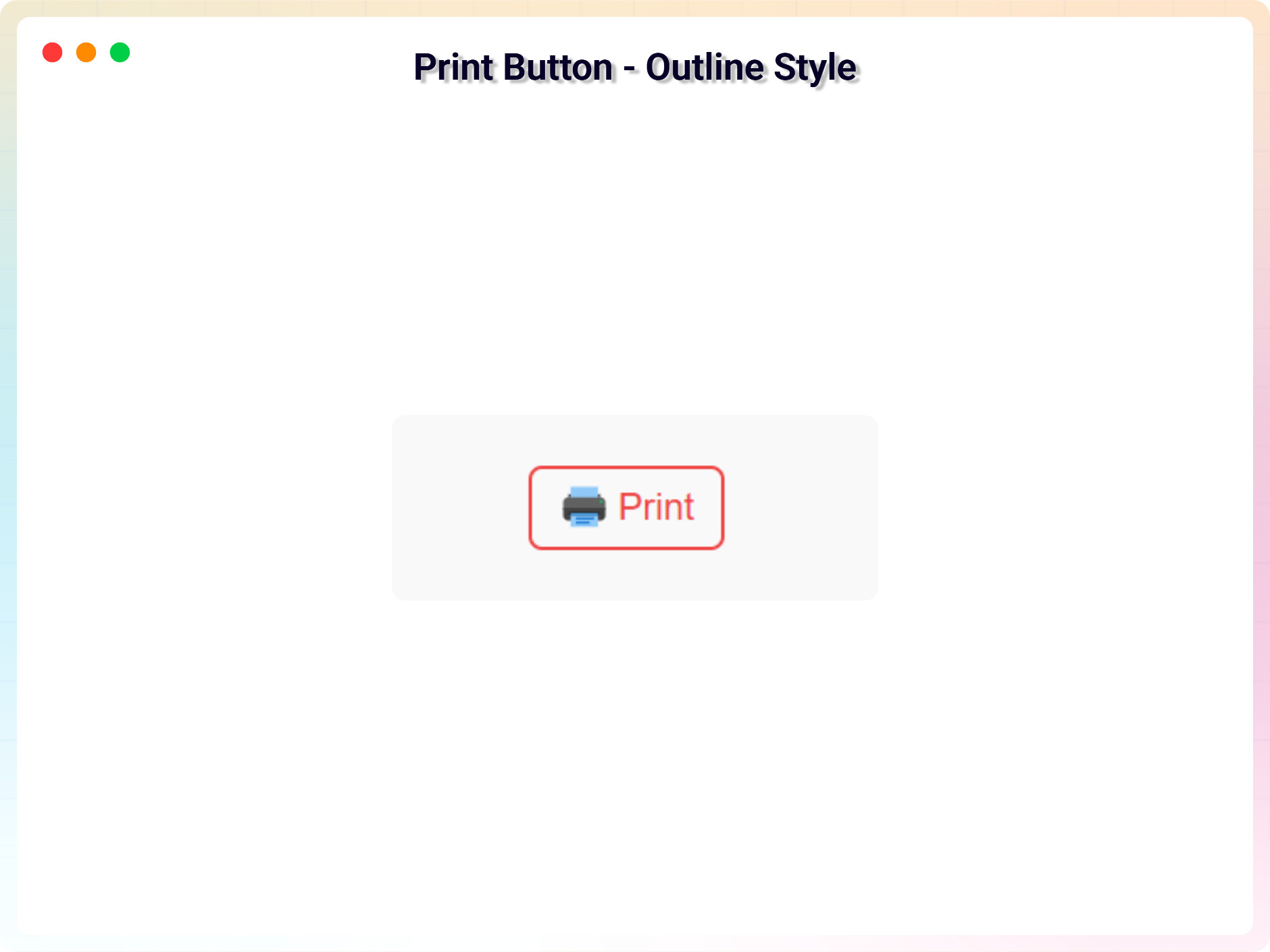
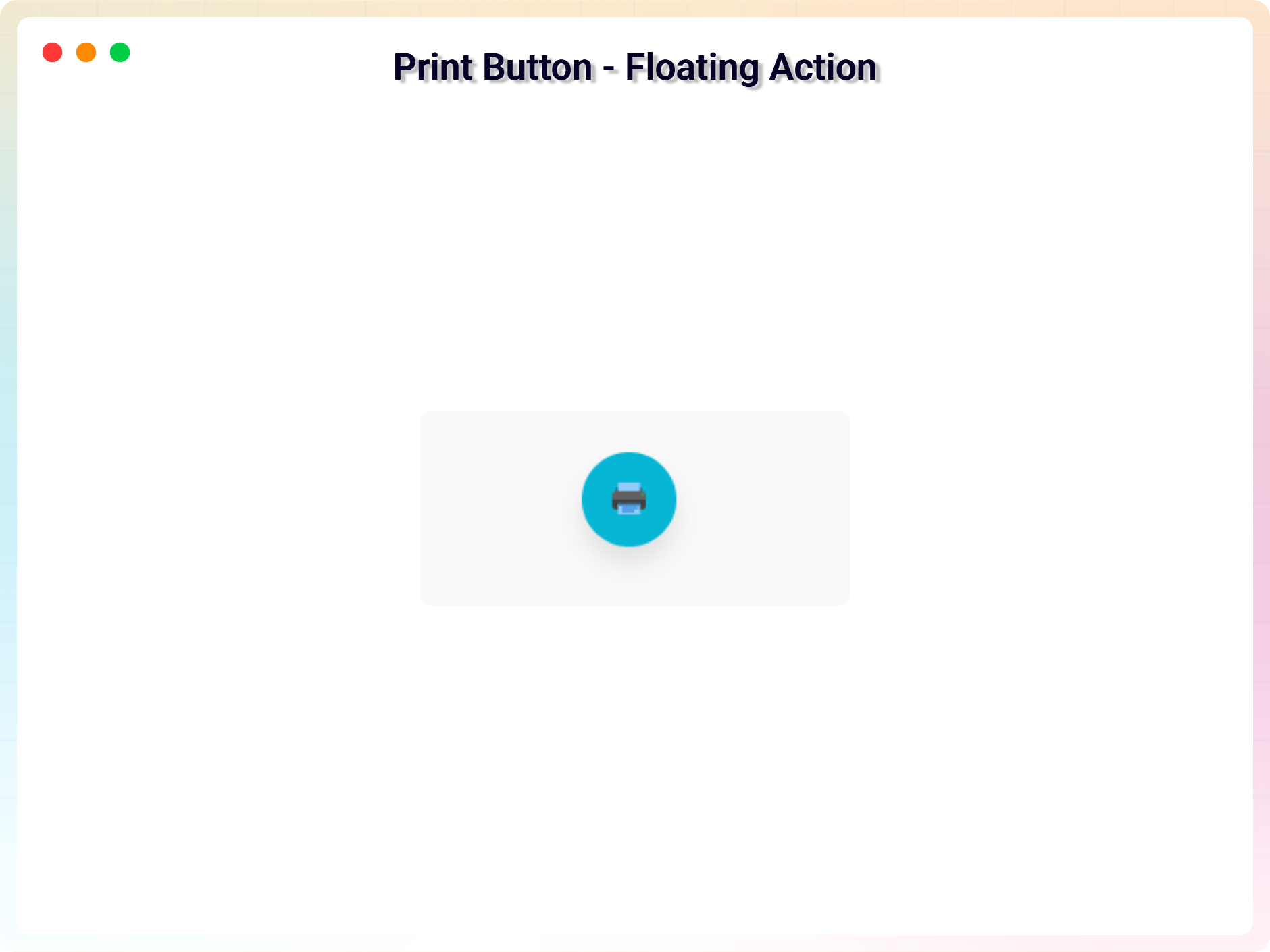
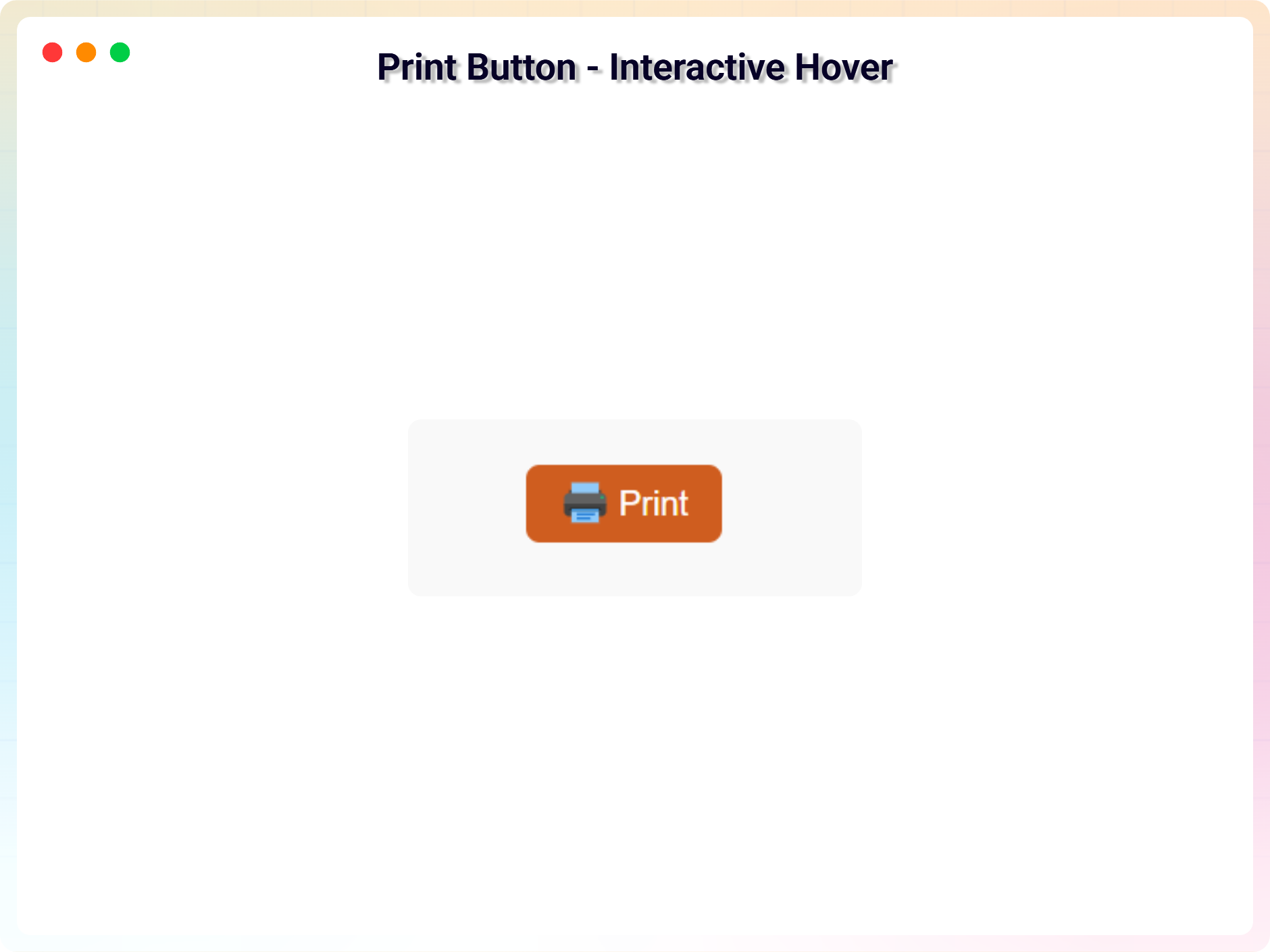
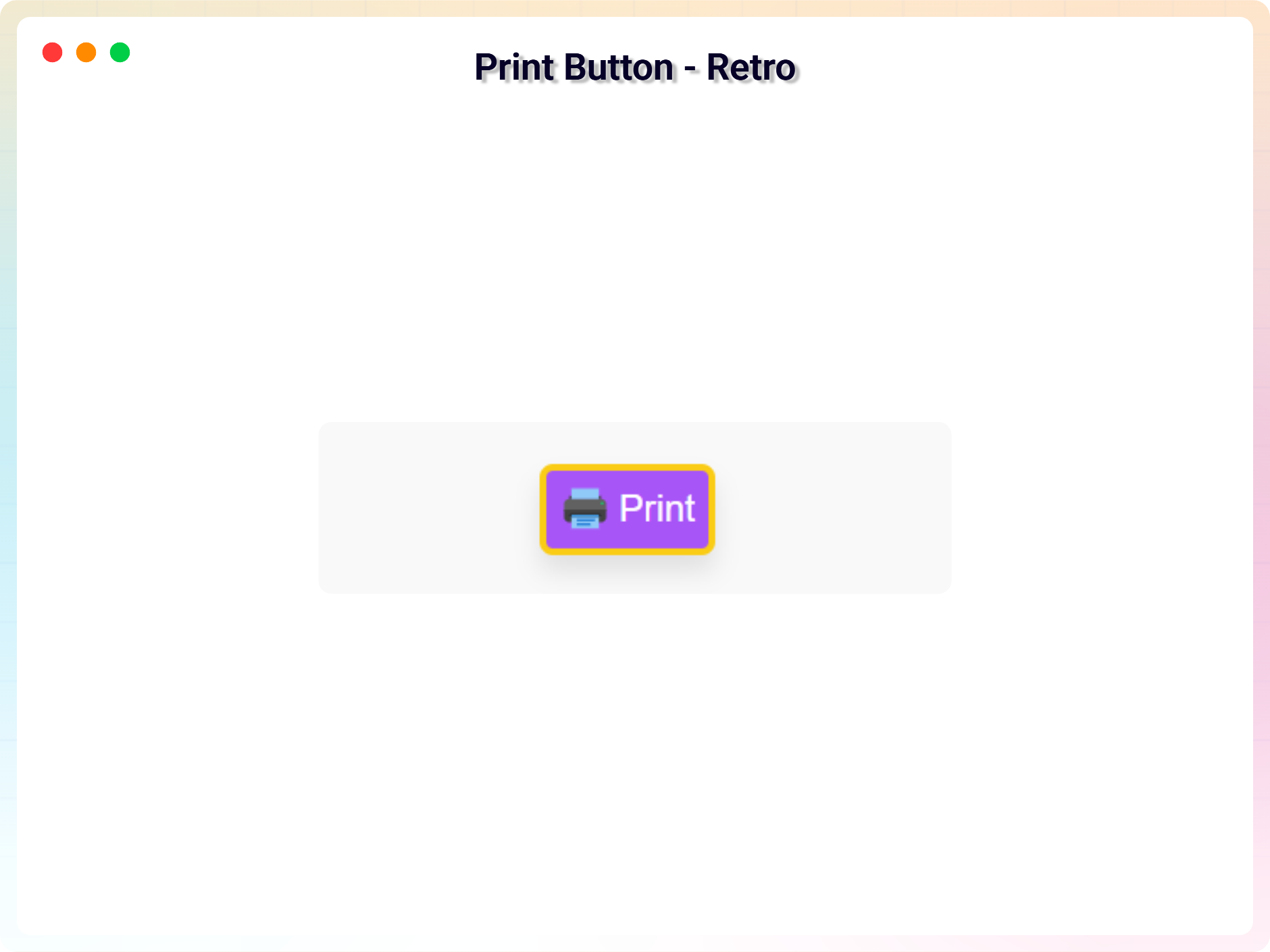
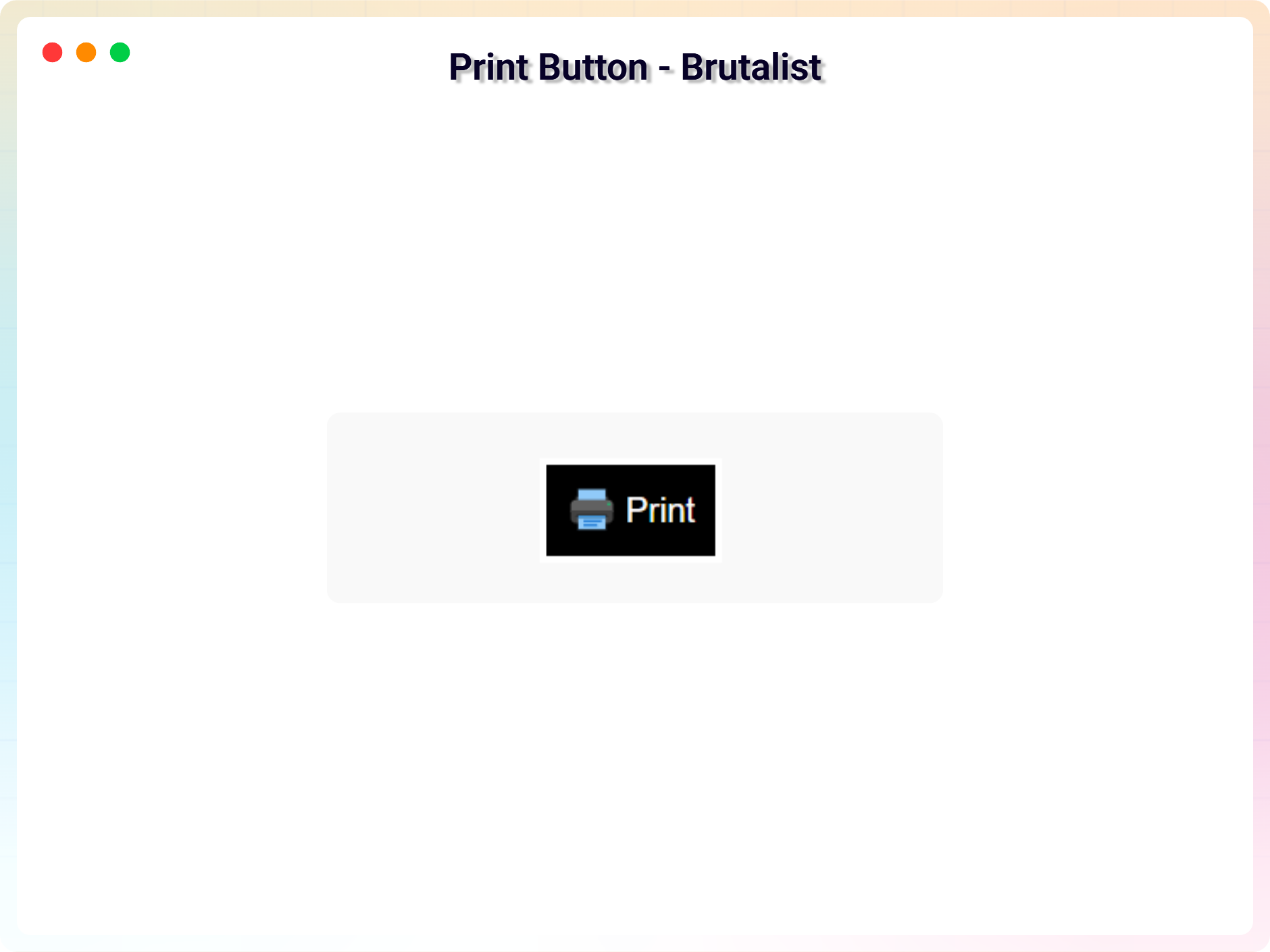
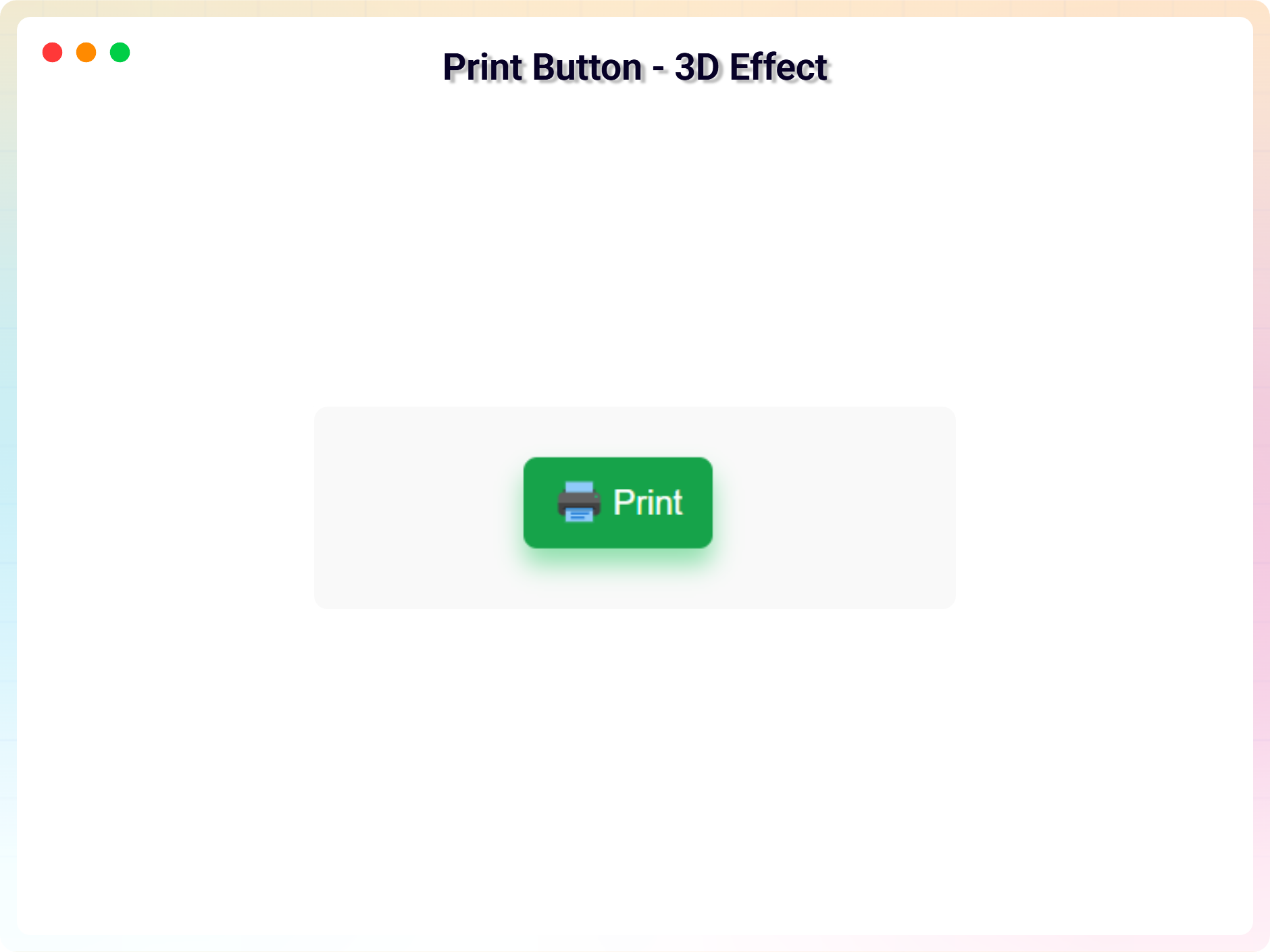
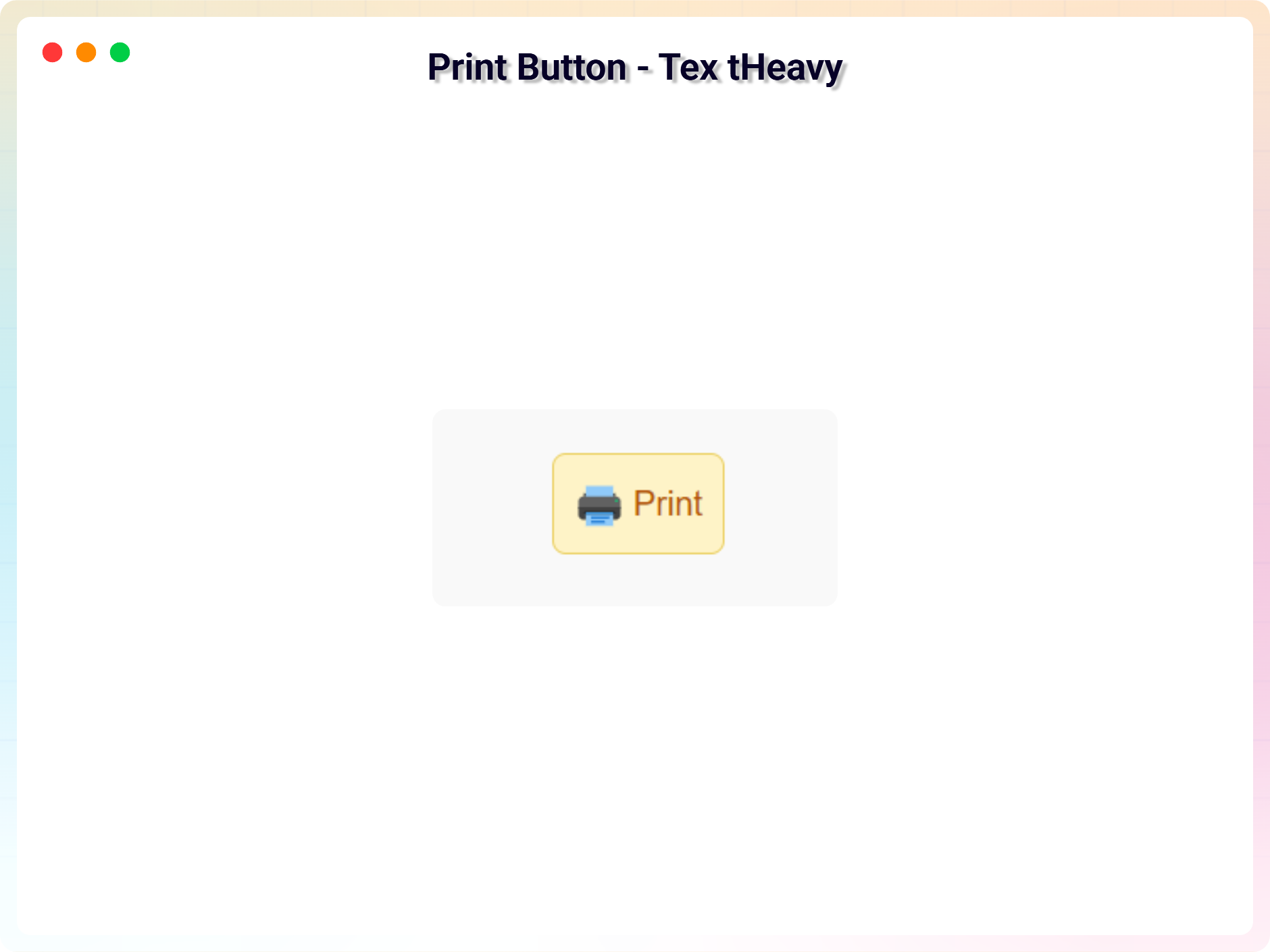
- Multiple Button Variants: Use beautifully designed default button styles.
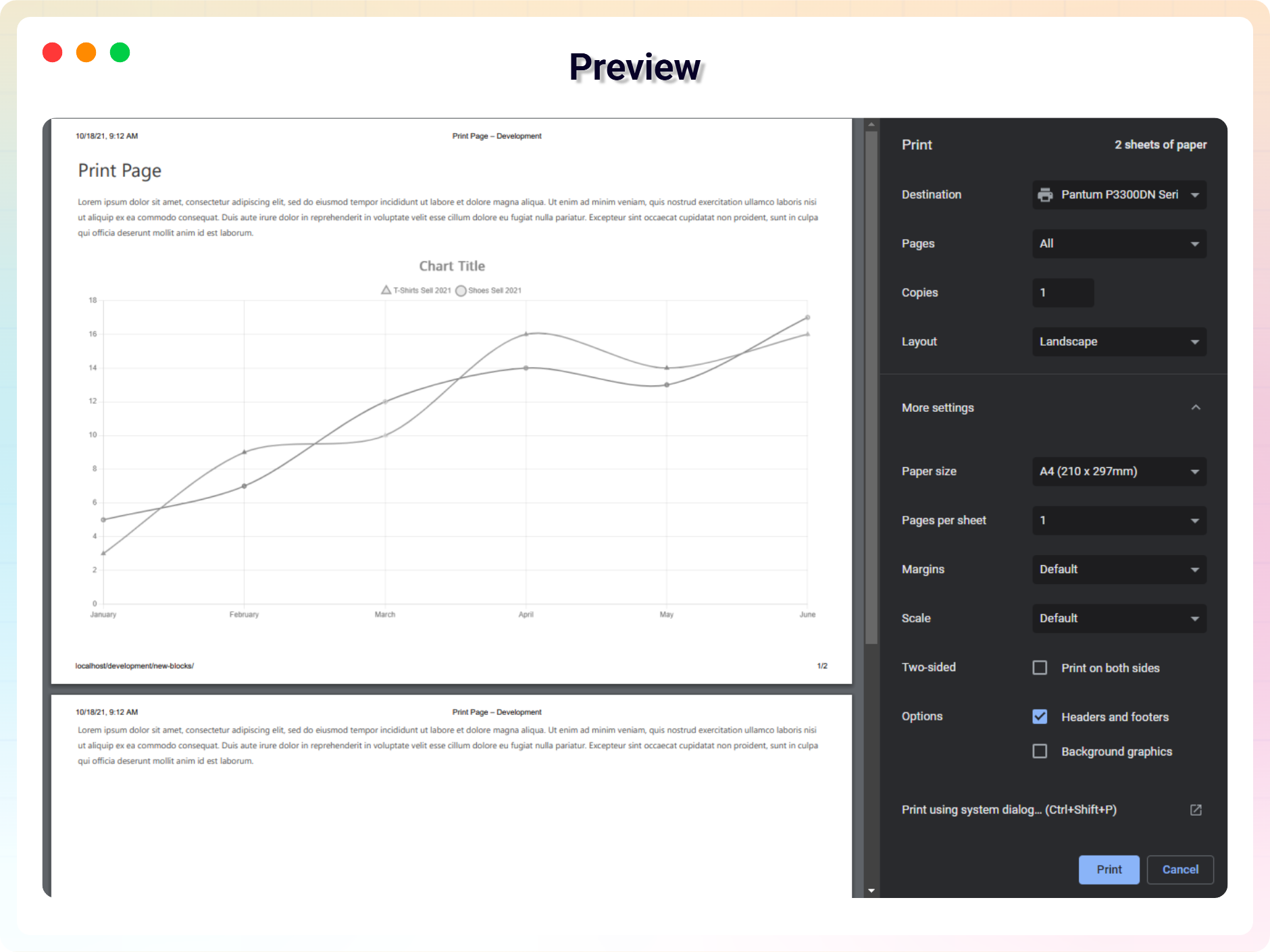
- Print Full Page: Instantly print the entire webpage with a single click.
- Print Specific Section: Choose a specific HTML section using a CSS selector (e.g. #content, .article) and print only that part.
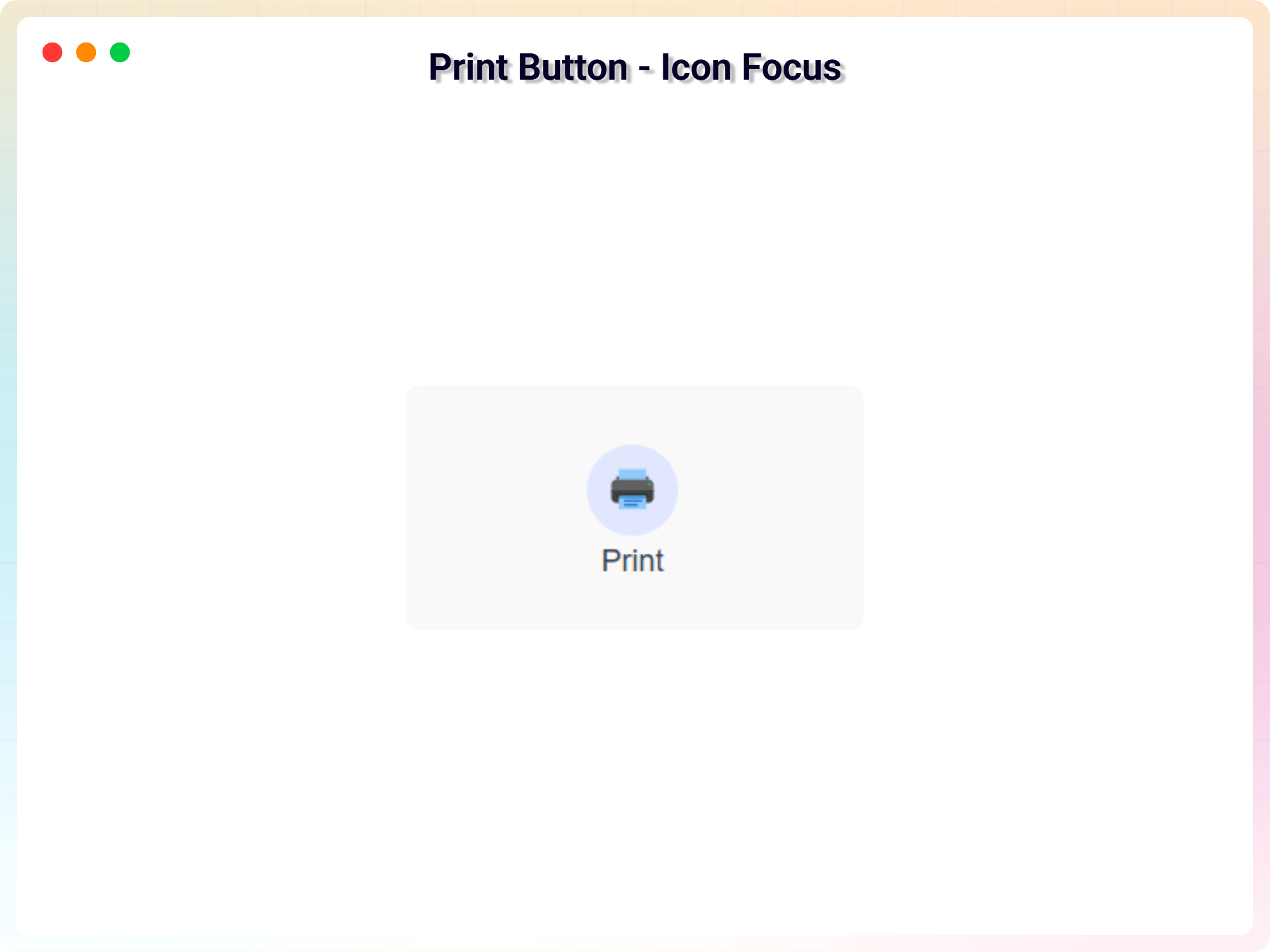
- Icon Support: Display a print icon with your button using built-in icon sets.
- Basic Button Colors: Customize text and background colors.
- Hover Color Support: Change colors on hover for better interaction.
- Lightweight & Fast: JavaScript-based printing with minimal performance impact.
- Beginner Friendly UI: No technical knowledge required.
Pro Version
Print Page Pro unlocks advanced print behaviors and design controls:
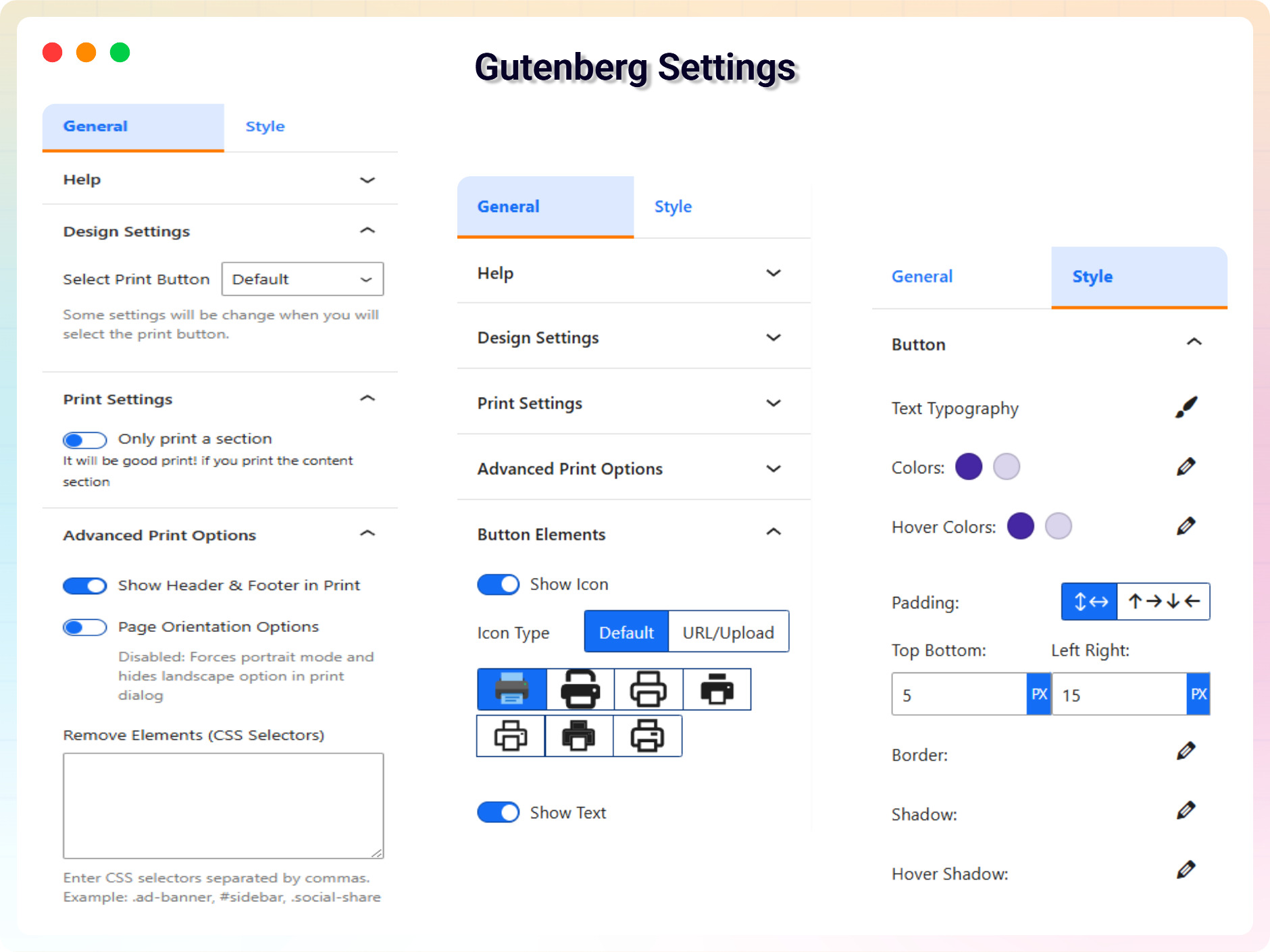
- Enhanced Print Controls: Modal print, page orientation, header & footer options and more.
- Custom Icon Upload: Upload and use your own print icon.
- Show / Hide Button Text: Toggle button text visibility (except Floating Action variant).
- Advanced Typography: Google Fonts, letter spacing, line height, and font weight.
- Responsive Padding & Spacing: Different padding for desktop, tablet, and mobile.
- Advanced Border Styles: Dashed, dotted, and double borders with custom radius per corner.
- Button Shadow & Hover Effects: Soft shadows, neon glows, or layered hover shadows.
How to Use
- Install and activate the Print Page plugin.
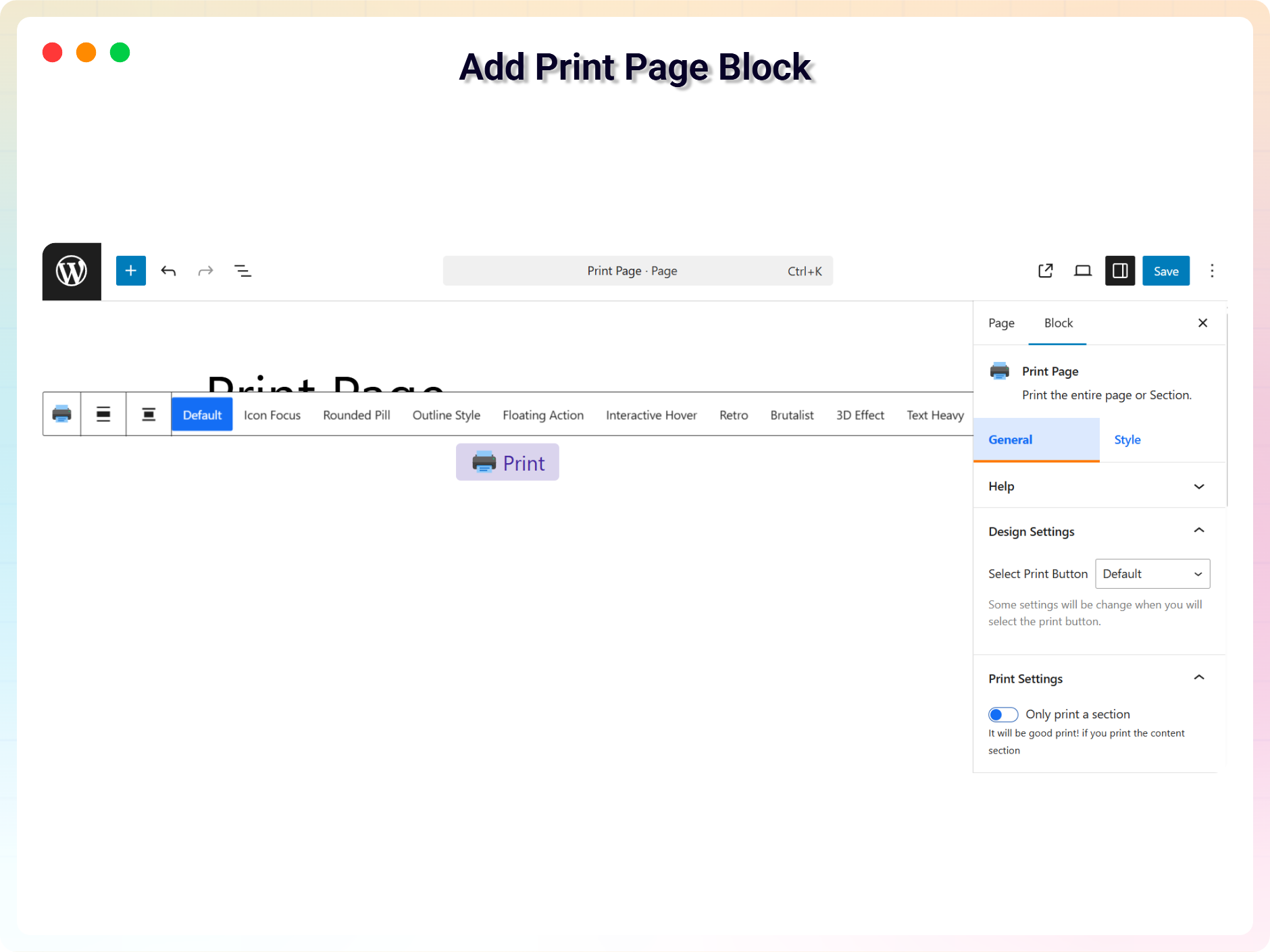
- In the Gutenberg editor, add the Print Page block from the «Widgets» block category.
- Choose full-page printing or enter a CSS selector for a specific section.
- Style the button from the right-side settings sidebar.
- Publish – your visitors can now print with one click.
Use Cases
- Recipes & How-To Guides: Let readers print instructions to follow offline.
- Documentation & Knowledge Bases: Offer printable articles and manuals.
- Invoices, Tickets & Certificates: Print only the relevant section of the page.
- Legal & Policy Pages: Give visitors easy hard-copy access to terms and policies.
Did you like this plugin? Do you have a feature request? Please share your feedback with us.
Check out the Parent Plugin of this plugin-
B Blocks – A blocks collection and page building tool for Gutenberg.
Check out our other WordPress Plugins-
Html5 Video Player – Display videos as single and playlist in multiple skins.
PDF Poster – Display/Embed PDF files with different styles.
Html5 Audio Player – Listen audios with awesome visuals.
Panorama Viewer – 360 Virtual Tour, Panoramic image viewer and More.
3D Viewer – Embed 3D models and 3D products with interaction.
Advanced Post Block – Show posts and custom posts in different layouts.
Source Code
You can find the source code, report bugs, and contribute to the development of this plugin on our GitHub repository:
Print Page on GitHub
Third-Party Libraries
bpl-tools
- Source / GitHub: https://github.com/bPlugins/bpl-tools
- License: GPL-2.0-or-later – https://www.gnu.org/licenses/gpl-2.0.html
- Purpose: Shared utility library providing admin dashboard components and common Gutenberg editor controls.
- External Services: The library may connect to bPlugins, WordPress.org, and Freemius services for product data and checkout functionality. See full details: https://github.com/bPlugins/bpl-tools#external-requests–why-they-are-made
Skjermbilder
Blokker
Denne utvidelsen gir 1 blokk.
- Print Page Print the entire page or Section.
Installasjon
From your WordPress dashboard (recommended):
- Go to Plugins Add New.
- Search for «Print Page».
- Click Install Now, then Activate.
- Add the Print Page block to any post or page in the Gutenberg editor.
Manual installation:
- Download the Print Page plugin (.zip file).
- In your admin area, go to Plugins Add New and click Upload Plugin.
- Choose the
print-page.zipfile and click Install Now. - Activate the plugin through the Plugins menu in WordPress.
Ofte stilte spørsmål
-
Is Print Page free?
-
Yes, Print Page is a free Gutenberg block plugin. A Pro version with advanced print controls and design options is also available.
-
Does it work with any WordPress theme?
-
Yes, it will work with any standard WordPress theme.
-
Can visitors print only part of a page?
-
Yes. Enter a CSS selector (e.g. #content or .article) in the block settings and the button will print only that section instead of the whole page.
-
Yes. The free version includes multiple button variants, icon support, and text, background, and hover color options. The Pro version adds typography, borders, shadows, and responsive spacing controls.
-
Will the plugin slow down my site?
-
No. Printing is JavaScript-based and lightweight, with minimal performance impact.
-
Can I change block settings?
-
Yes, you can change block settings from the Gutenberg block editor’s right sidebar.
-
How many times can I reuse the block?
-
You can use the block an unlimited number of times.
-
Where can I get support?
-
You can post your questions on the support forum here.
Vurderinger


Bidragsytere og utviklere
«Print Page Block – make any page printable in one click» er programvare med åpen kildekode. Følgende personer har bidratt til denne utvidelsen:
Bidragsytere


Oversett «Print Page Block – make any page printable in one click» til ditt språk.
Interessert i utvikling?
Bla gjennom koden, sjekk ut SVN-repositoriet, eller abonner på utviklingsloggen med RSS.
Endringslogg
1.3.2 – 13 Jul, 2026
- Added: Elementor getting started instructions.
1.3.1 – 14 Jun, 2026
- Updated: Modernized the admin settings dashboard layout.
1.3.0 – 02 Jun, 2026
- Added: Added uninstall data clean-up option in the admin settings dashboard to wipe plugin configurations on deletion.
- Added: Added uninstall.php script to securely remove all custom post types and options if the cleanup setting is enabled.
- Added: Added Gulp task configurations (gulpfile.js and package.json) to automate cross-platform release packaging.
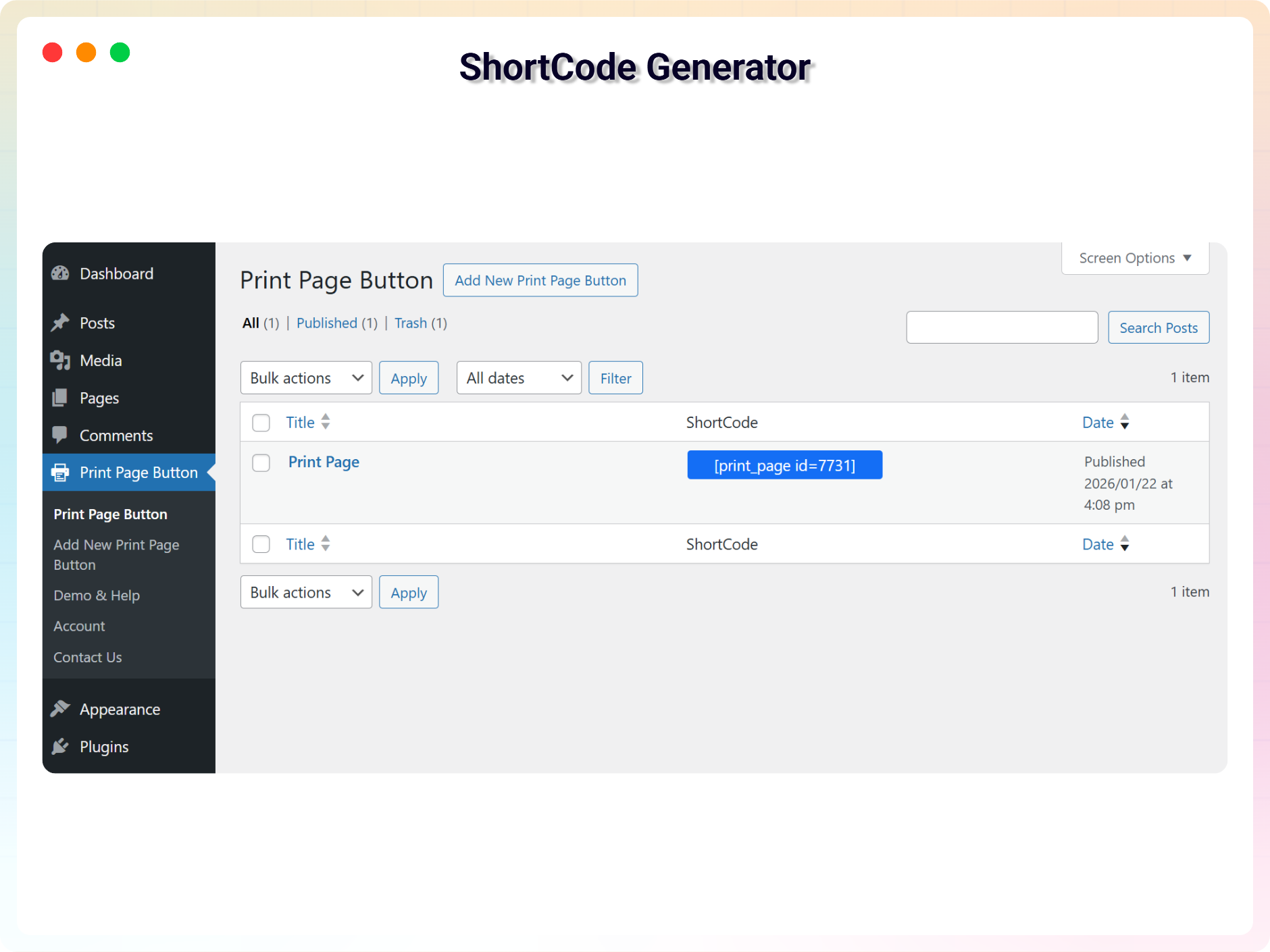
- Updated: Redesigned the shortcode copy-to-clipboard UI column in the print CPT admin table for a better user experience.
- Updated: Migrated PHP class controllers directly under the includes/ directory and refactored code to use namespace PrintPage to comply with standard coding guidelines.
- Improved: Unlocked previously locked pro fields in the Gutenberg editor and introduced a clean, non-intrusive notices UI to display premium feature requirements.
- Fixed: Fixed multiple security issues flagged by WordPress Plugin Check (PCP), including direct access checks (ABSPATH), wp_unslash sanitization for AJAX, and translation string escaping for wp_die.
1.2.8 – 03 May, 2026
- Fixed: Fixed shortcode rendering & print button disappearing issue.
1.2.7 – 09 April, 2026
- Fixed: Class naming conflict and namespace resolution issue in LicenseActivation.
1.2.6 – 26 Mar 26
- Improved print layout and margins for modal and section printing
1.2.5 – 26 Feb 26
- Update: Added brand new dashboard with license activation support
1.2.4 – 08 Feb 26
- Updated: Updated «Show browser header/footer option in print dialog» label and help text.
1.2.3 – 23 Jan 26
- Fix: Print styles now clean up properly after the print dialog closes (prevents removed elements from sometimes staying hidden).
- Improvement: Updated “Header & Footer” label and help text for clearer guidance (site header/footer vs browser print headers/footers).
1.2.2 – 04 Nov 25
- Updated SDK
1.2.1 – 31 October 25
- Updated label for the Print Page block post type.
1.2.0 – 29 October 25
- added more advanced print controls, 10 variants of print button.
1.1.2 – 8 Aug 24
- Fix not reloading issue after print.
1.1.1 – 4 Aug 24
- Fix section print issue.
1.1.0 – 5 Jun 24
- Added several default icons, including the upload options.
1.0.9 – 7 Mar 24
- Fix security issue
- Reduce JS dependency
1.0.8
- Add support for modal
1.0.7
- Add translate feature
1.0.6
- Fix HTML Render
1.0.5
- Reduce PHP Code
- Performance Improvement
1.0.4
- Reduce PHP Code
1.0.3
- Performance upgrade
1.0.2
- Performance upgrade
1.0.1
- Update theme and Colors
1.0.0
- Initial Release.